
Amazon Product Image Resizer
Prepare clean, consistent product images for Amazon with a white background and controlled product sizing.
FreeNo sign-upImages stay in your browser
Drop your product images here
JPG, PNG or WebP • Up to 30 images
Before / After
From mixed product photos to consistent Amazon product images.
Product photos from different sources often use inconsistent dimensions, backgrounds and framing. Image Fixer puts them on a consistent square canvas while keeping the full product visible.
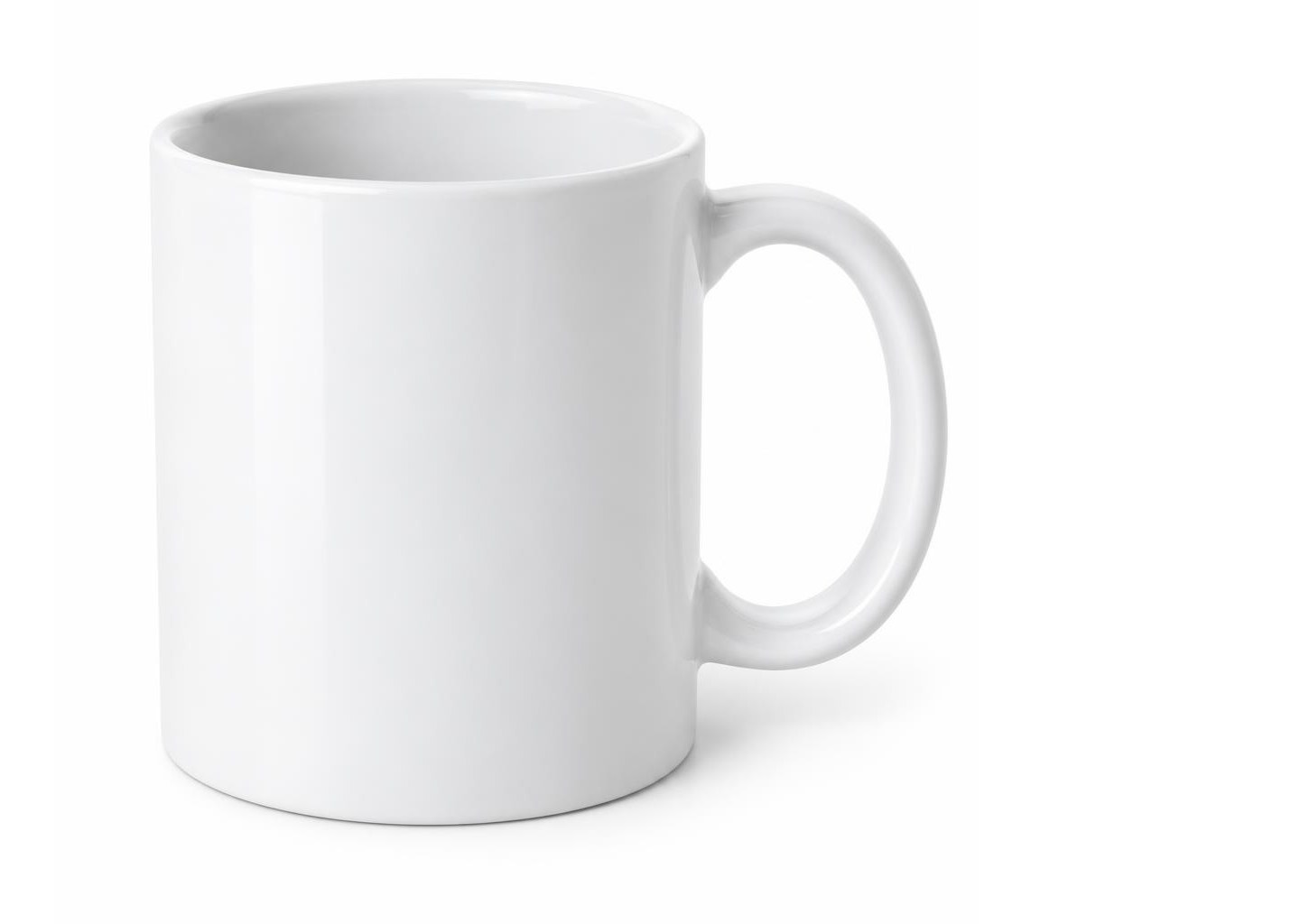

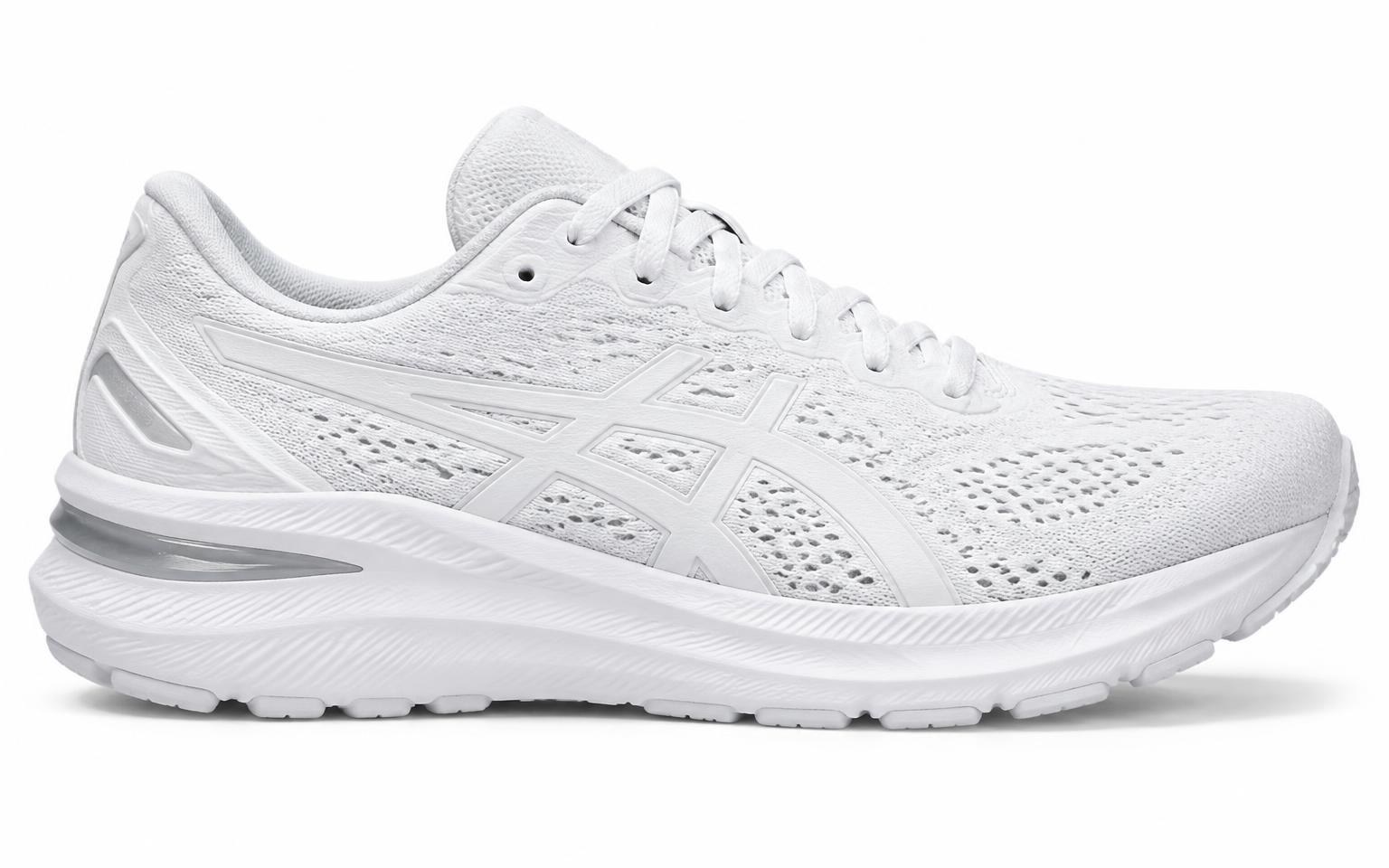
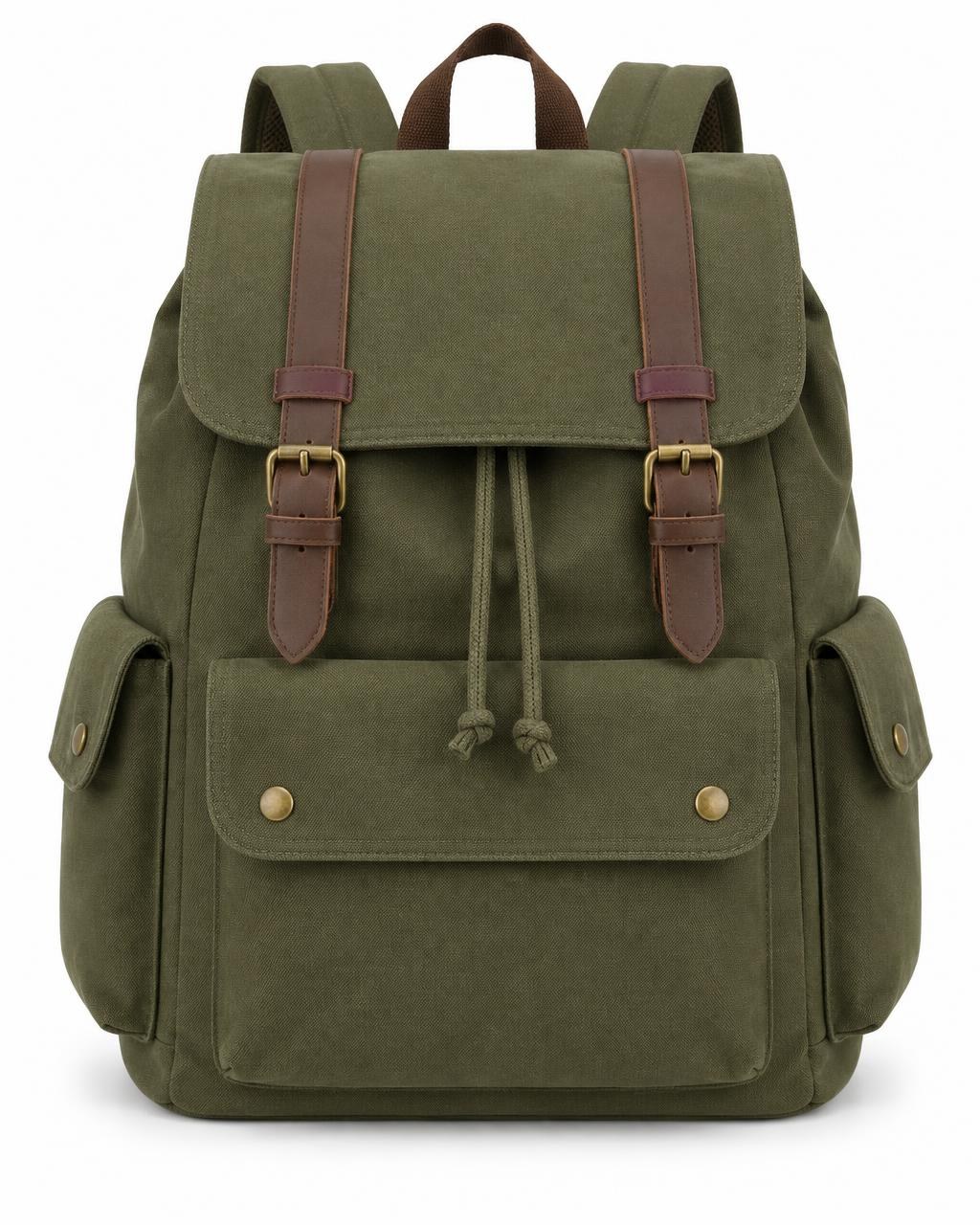
Supplier photos with mixed shapes, sizes and empty space.
Amazon starting points
A practical starting point for Amazon product images.
Amazon has specific requirements for MAIN product images. Image Fixer can help standardize dimensions, background and product framing before you upload your images.
2000 × 2000 px
High-resolution square output
The Image Fixer Amazon preset starts at 2000 × 2000 px, giving you a high-resolution square image for product photography.
RGB 255, 255, 255
Pure white MAIN background
Amazon requires a pure white background for MAIN product images. The Image Fixer Amazon preset starts with a white canvas.
85%+
Product fill
Amazon says the product should fill at least 85% of the image frame. Use Product Size to adjust framing visually for each product.
Amazon image requirements can vary by image type and product category. Image Fixer helps prepare dimensions, background and framing, but does not verify or guarantee Amazon compliance. For other platforms, visit the Image Fixer homepage or the Shopify Image Resizer.
How it works
Prepare Amazon product images in three steps.
- 01
Upload your product photos
Add up to 30 JPG, PNG or WebP product images from different sources.
- 02
Adjust your Amazon images
Start with the Amazon preset, then adjust the background and Product Size for individual images where needed.
- 03
Download your images
Download one finished image individually or export the full batch together as a ZIP.
Built for one job
Prepare consistent Amazon product images.
Image Fixer focuses on the repetitive work of preparing product photos without turning the process into a full photo-editing workflow.
Batch up to 30 images
Prepare multiple product photos together instead of resizing them one by one.
Start with pure white
The Amazon preset starts with a pure white canvas for MAIN product image preparation.
Control product framing
Adjust Product Size across the batch or fine-tune individual images when a product needs different spacing.

Your product photos stay on your device.
Image processing happens directly in your browser. Your product photos are not uploaded to an Image Fixer server for processing.
Questions
Amazon image resizing questions
What size should Amazon product images be?
Amazon recommends images of at least 1000 pixels in height or width to enable zoom. The Image Fixer Amazon preset uses a 2000 × 2000 px square output as a practical high-resolution starting point.
Does the Amazon MAIN image need a white background?
Yes. Amazon requires MAIN product images to use a pure white background with RGB values of 255, 255, 255. The Image Fixer Amazon preset starts with a white canvas.
How much of an Amazon image should the product fill?
Amazon says the product should fill at least 85% of the image frame. Image Fixer lets you control Product Size globally or per image, but it does not automatically measure Amazon's product-fill requirement.
Can I resize multiple Amazon product images at once?
Yes. Image Fixer can process up to 30 product images in one batch. Multiple finished images can be downloaded together as a ZIP file.
Will Image Fixer crop my Amazon product photos?
No. Image Fixer places the original product photo onto a square output canvas instead of forcing it into a square crop or stretching it.
Does Image Fixer guarantee Amazon image compliance?
No. Image Fixer helps prepare image dimensions, background and product framing, but Amazon also has content rules and category-specific requirements that the tool does not automatically verify. Always review Amazon's current image requirements before publishing.