
Poshmark Photo Resizer
Resize your photos for Poshmark's 3:4 portrait display. Keep clothing, shoes, bags, and accessories fully visible without unwanted cropping. Free to use, no signup required.
FreeNo sign-upImages stay in your browser
Drop your product images here
JPG, PNG or WebP • Up to 30 images
Choose a marketplace to load recommended image settings. You can change them anytime.
Image fit
Background color
Fills the space added around each photo.
How much of the canvas the complete photo fills.
Before / After
Make Your Photos Fit Poshmark's Portrait Display
Square photos can appear cropped when displayed inside Poshmark's newer portrait frames. Prepare a 3:4 version that keeps the entire item visible, from the top of a handbag handle to the hem of a long dress.
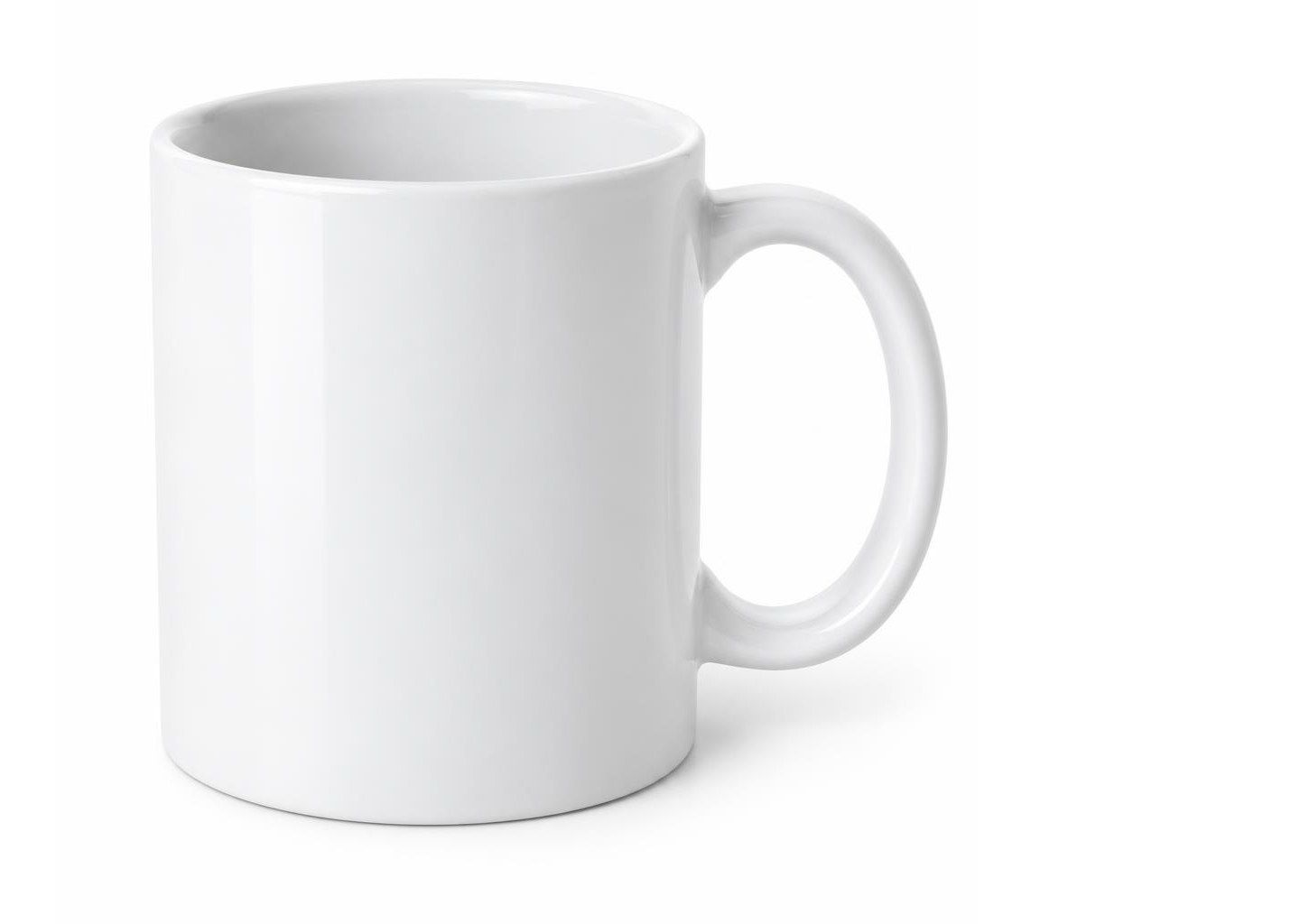
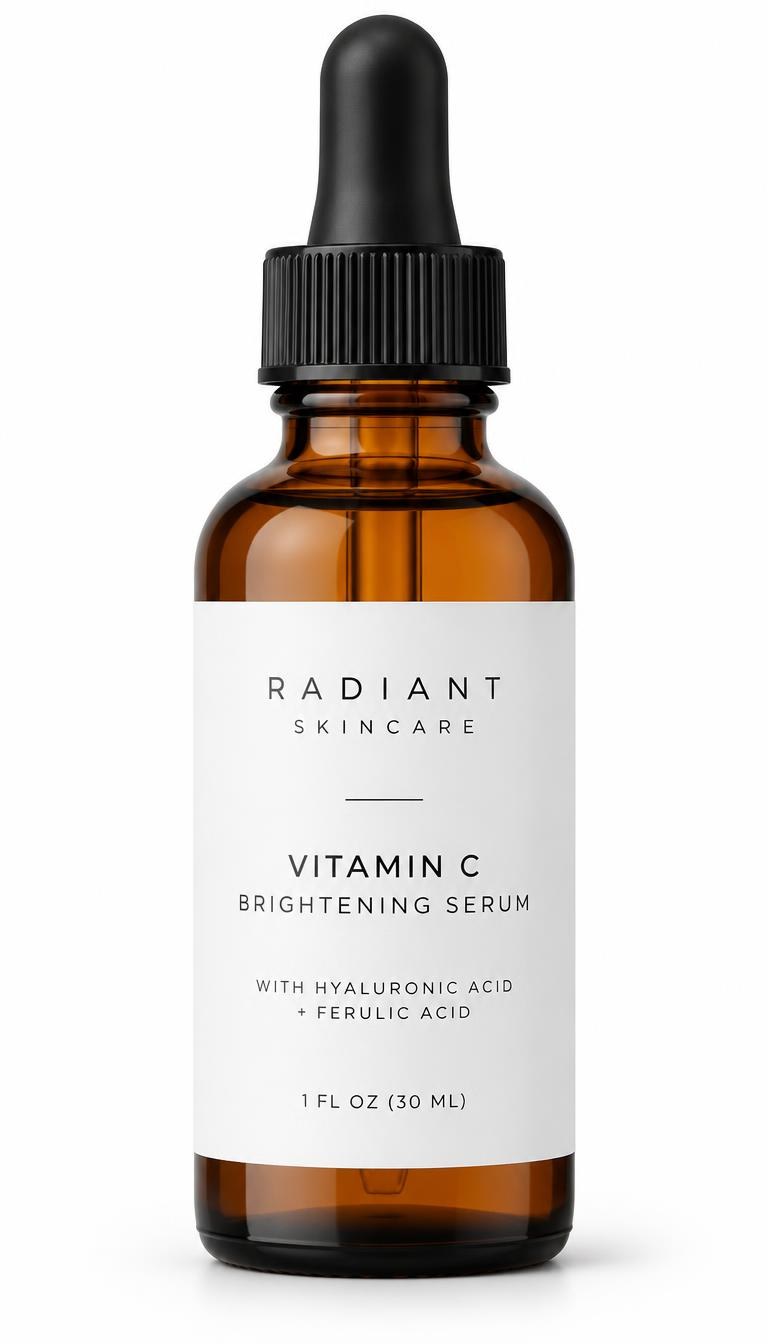
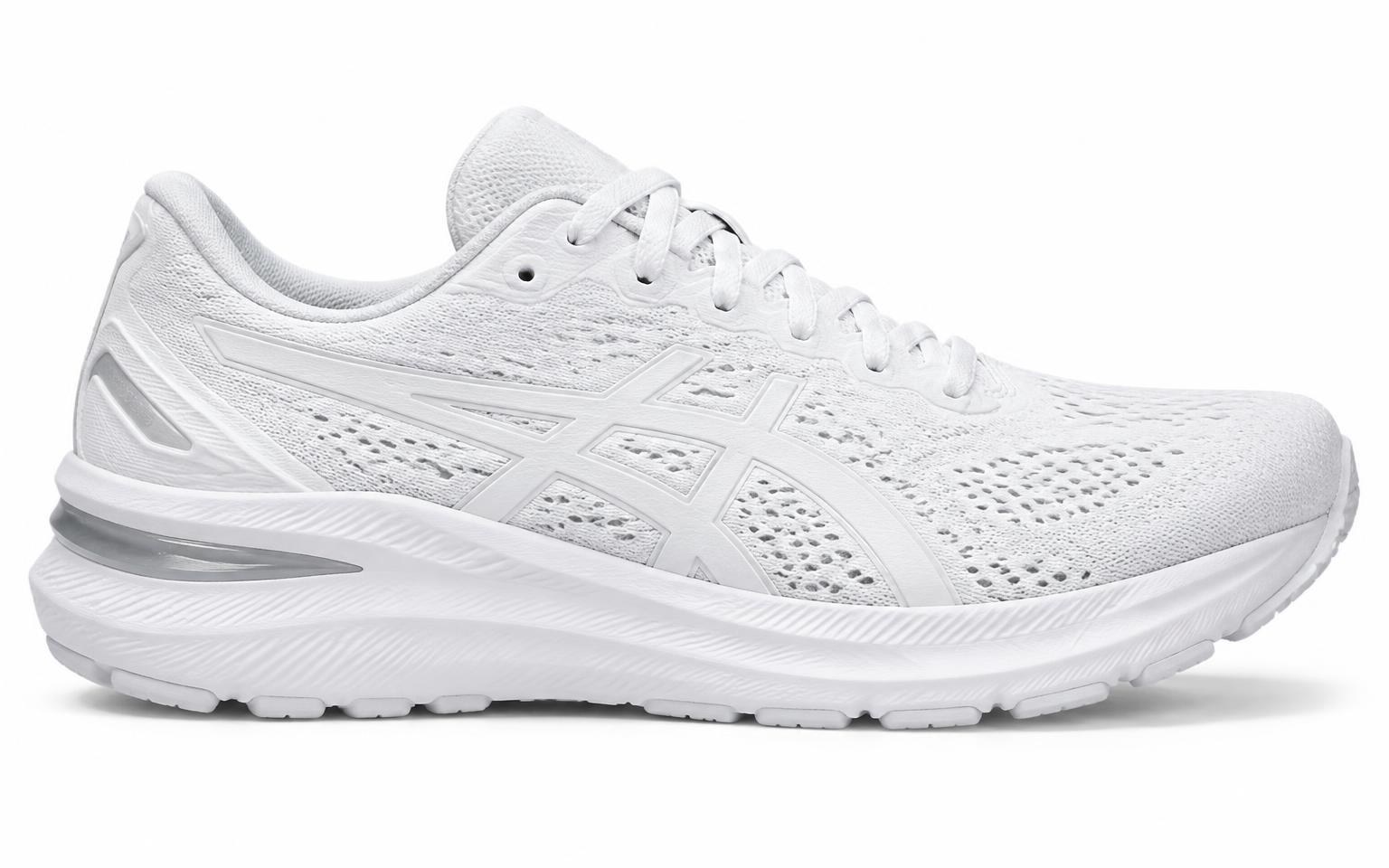
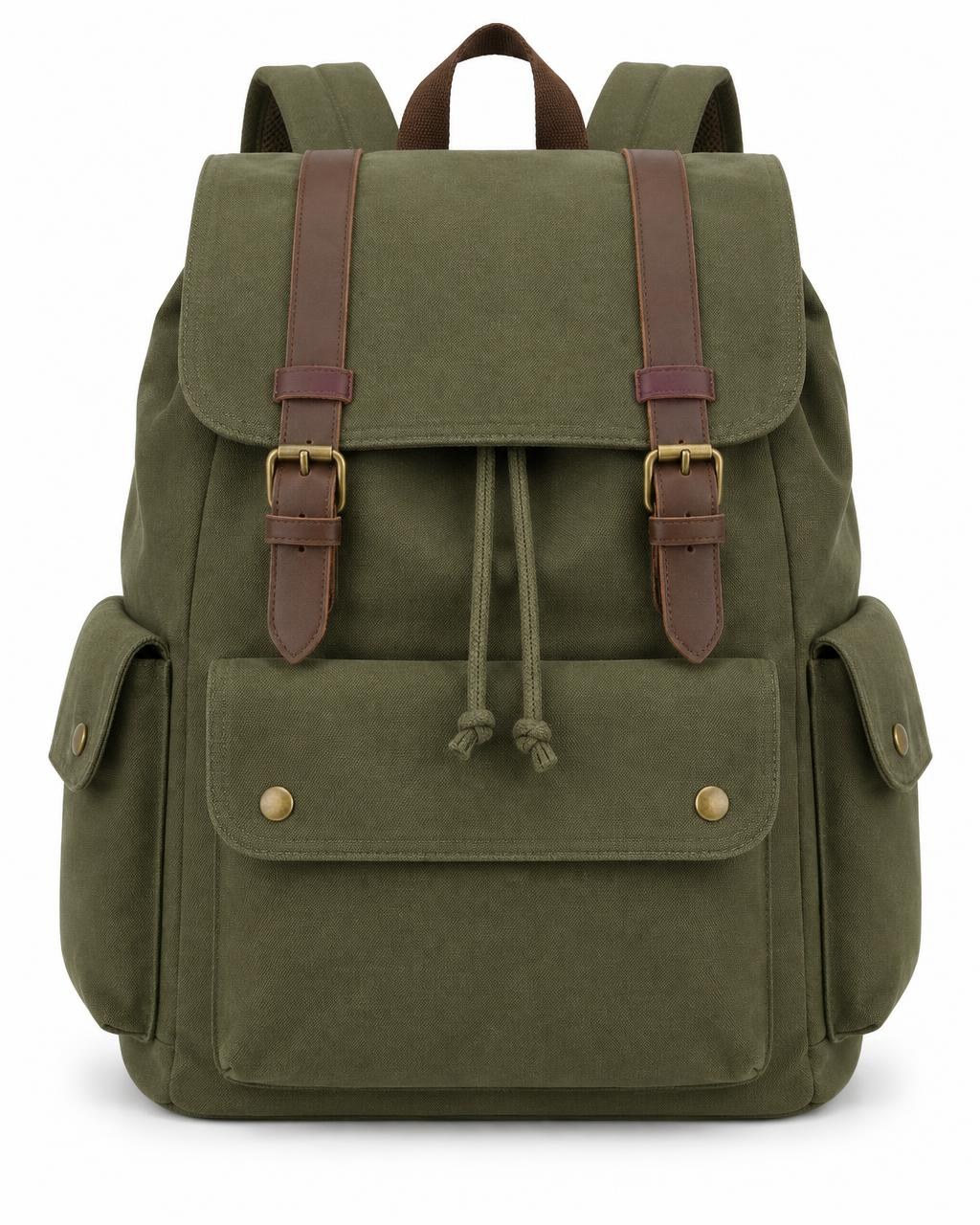
Supplier photos with mixed shapes, sizes and empty space.
Starting points
Start With the Photos You Already Have
Whether you're photographing new inventory or updating older listings, Image Fixer helps you prepare consistent portrait images without starting over.
Square Listing Photos
Have older 1:1 photos? Fit them into a taller 3:4 canvas while keeping the original item visible.
Clothing and Fashion Photos
Give dresses, coats, jeans, and other long items enough room in the frame without cutting off important details.
Shoes, Bags and Accessories
Keep straps, handles, soles, and product edges visible with consistent spacing around the item.
Multiple Product Photos
Prepare several listing images using the same marketplace preset and download them together.
Selling elsewhere too? Try the Depop Photo Resizer, eBay Image Resizer, Etsy Image Resizer or Shopify Image Resizer.
How it works
How to Resize Photos for Poshmark
- 01
Upload Your Photos
Upload your product images to Image Fixer. You can work with multiple photos in one session.
- 02
Choose Poshmark
Select the Poshmark preset to load a practical 3:4 portrait canvas.
- 03
Keep the Full Item Visible
Use the existing fit and background controls to position your photo without unwanted cropping. Preview the result before exporting.
- 04
Download Your Images
Download your resized image or export multiple images together, ready for your Poshmark listing workflow.
Built for one job
Built for Better Poshmark Listing Photos
Your cover photo is often the first thing a shopper sees. Prepare images that show the item clearly and work better within Poshmark's portrait browsing layout.
Avoid Unwanted Cropping
Fit the complete product inside a portrait frame so sleeves, hems, straps, and other important details remain visible.
Keep Your Closet Consistent
Give your listing images a more uniform aspect ratio and presentation across different product categories.
Prepare Multiple Photos Faster
Apply the same marketplace sizing workflow to several images and download the results together.
Work With Your Existing Photos
Resize the images you already have without requiring a new photoshoot or a complicated editing workflow.
Poshmark photo guide
Poshmark Photo Size & Aspect Ratio Guide
What photo size does Poshmark use in 2026?
Poshmark updated the way listing photos appear in March 2026. Cover photos now display in a 3:4 portrait format across browsing areas such as search results, feeds, and closets, replacing the previous square 1:1 presentation. See Poshmark's official portrait photo update.
A 3:4 image is taller than it is wide. For example, 1200 × 1600 pixels has a 3:4 aspect ratio.
However, 1200 × 1600 pixels is a practical export size, not a mandatory pixel resolution published by Poshmark.
Some older Poshmark Help Center articles still recommend 1000 × 1000 pixel images, and separate Bulk Upload documentation recommends square images. These recommendations should not be confused with the newer 3:4 display format.
3:4 portrait
Poshmark's updated cover-photo display format.
1:1 square
Previously used for covershots; existing images remain valid.
1200 × 1600 pixels
Practical Image Fixer portrait preset, not an official requirement.
1000 × 1000 pixels
Recommendation still appearing in some older Poshmark documentation.
Why Do Poshmark Photos Look Cropped?
Poshmark's updated browsing experience uses portrait frames for listing images. As a result, square or differently proportioned photographs may appear cropped in search results or feeds.
This does not necessarily mean the original photo has been deleted or permanently cropped. Poshmark states that shoppers can open a listing to view its original images.
If the cover photo cuts off a sleeve, shoe, handbag handle, or the bottom of a dress, preparing a new 3:4 version can help improve how the item appears in portrait layouts.
You do not need to update every existing listing. Poshmark says updating older cover photos is optional.
How to Resize Photos for Poshmark Without Cropping
- Upload your product photos to Image Fixer.
- Select the Poshmark marketplace preset.
- Use the 3:4 portrait format.
- Choose the existing fit option that keeps the entire product visible.
- Adjust the available background or padding settings if necessary.
- Preview the result and download your resized images.
For example, a square photograph can be placed inside a taller portrait canvas without cutting away parts of the item. This may leave additional space above and below the original photo.
For best results, inspect the final image before uploading it to Poshmark. See Poshmark's official listing guide.
Poshmark Covershot Photography Tips
Keep the entire item visible
Center the product and leave a little space around its edges. For dresses, pants, and long coats, check that the hem and sleeves are visible. For handbags, include the handles and straps.
Use a clean, neutral background
A simple white wall, neutral fabric, or uncluttered tabletop helps shoppers focus on the item. Avoid distracting objects and backgrounds that make the product difficult to distinguish.
Choose soft, natural lighting
Photograph near a window when possible. Even lighting helps preserve the appearance of colors and textures. Avoid harsh shadows, excessive flash, and heavy editing that makes the item look different from reality.
Show multiple angles and details
The cover photo introduces the product, but additional images help buyers evaluate it. Include front and back views, close-ups of fabric, brand labels, size tags, and any visible wear or damage.
Poshmark recommends using at least four photos from different angles for a strong listing, and supports up to 16 photos per listing. See Poshmark's portrait covershot photography guide.
Keep your listing photos consistent
Try to use similar framing, lighting, and backgrounds across your listings. A consistent presentation makes your Poshmark closet easier to browse.
Common Poshmark Photo Mistakes
Cropping important parts of the product
A tightly cropped photo may hide sleeves, straps, hems, or other details. Leave enough space to show the full item.
Using distracting backgrounds
Busy rooms, unrelated objects, or strong patterns can draw attention away from the product.
Using dark or uneven lighting
Poor lighting can make colors, fabric textures, and condition harder to evaluate.
Showing only one angle
Buyers may want to inspect the back, labels, texture, and signs of wear before purchasing.
Confusing display ratio with upload requirements
The 3:4 portrait format describes Poshmark's updated photo presentation. It should not be treated as a universal mandatory pixel resolution for every upload workflow.
Cross-listing clothing on other marketplaces?
Keep the original photo before preparing a Poshmark cover image. Different marketplaces can display or crop that same photo differently, so check that the entire item stays visible.
See the Depop photo guide and the Vinted image resizer when preparing separate listing images.

Your product photos stay on your device.
Image processing happens directly in your browser. Your product photos are not uploaded to an Image Fixer server for processing.
Need more? Explore all our free image tools.
Browse all tools →Questions
Poshmark photo resizing questions
What is the best aspect ratio for Poshmark photos?
Poshmark now displays listing cover photos in a 3:4 portrait format in browsing areas such as search results and feeds. This is a useful ratio when preparing new covershots.
What pixel dimensions should I use for Poshmark?
A 1200 × 1600 pixel image is one practical way to create a 3:4 portrait photo. Poshmark has not specified this exact size as mandatory in its March 2026 portrait-photo announcement.
Does Poshmark still accept square photos?
Existing square photos remain valid. Poshmark preserves the original images, although their appearance in portrait browsing frames may differ.
Do I need to resize all my old Poshmark listings?
No. Poshmark says updating existing cover photos is optional. You can review your listings and prioritize photos that do not display well in the new portrait format.
Why is Poshmark cropping my square photos?
Poshmark's browsing experience now uses portrait image frames. A square photo may appear differently within that frame, while the original image remains available on the listing details page.
How can I resize a Poshmark photo without cutting off the item?
Use a 3:4 canvas and a fit setting that preserves the complete image. You may need extra background space to accommodate a square or wide original photo.
How many photos can I upload to a Poshmark listing?
Poshmark supports up to 16 photos per listing. Its photography guidance recommends including several views and close-ups so buyers can evaluate the product.
Can I resize multiple Poshmark photos at once?
Yes. Image Fixer supports batch image processing, allowing you to prepare multiple photographs with the same marketplace preset and download the results.
Should I use a white background for Poshmark?
A clean white or neutral background is a useful choice for clear product photography. Poshmark's portrait covershot guidance recommends uncluttered backgrounds that keep attention on the item.
Is Image Fixer affiliated with Poshmark?
No. Image Fixer is an independent image preparation tool and is not affiliated with or endorsed by Poshmark.