
Etsy Image Resizer
Prepare clean, consistent product images for Etsy listings. Resize and standardize up to 30 product photos at once while keeping control over dimensions, framing and output format.
FreeNo sign-upImages stay in your browser
Drop your product images here
JPG, PNG or WebP • Up to 30 images
Before / After
From mixed product photos to consistent Etsy listing photos.
Product photos from different sources often use inconsistent dimensions, backgrounds and framing. Image Fixer puts them on a consistent square canvas while keeping the full product visible.
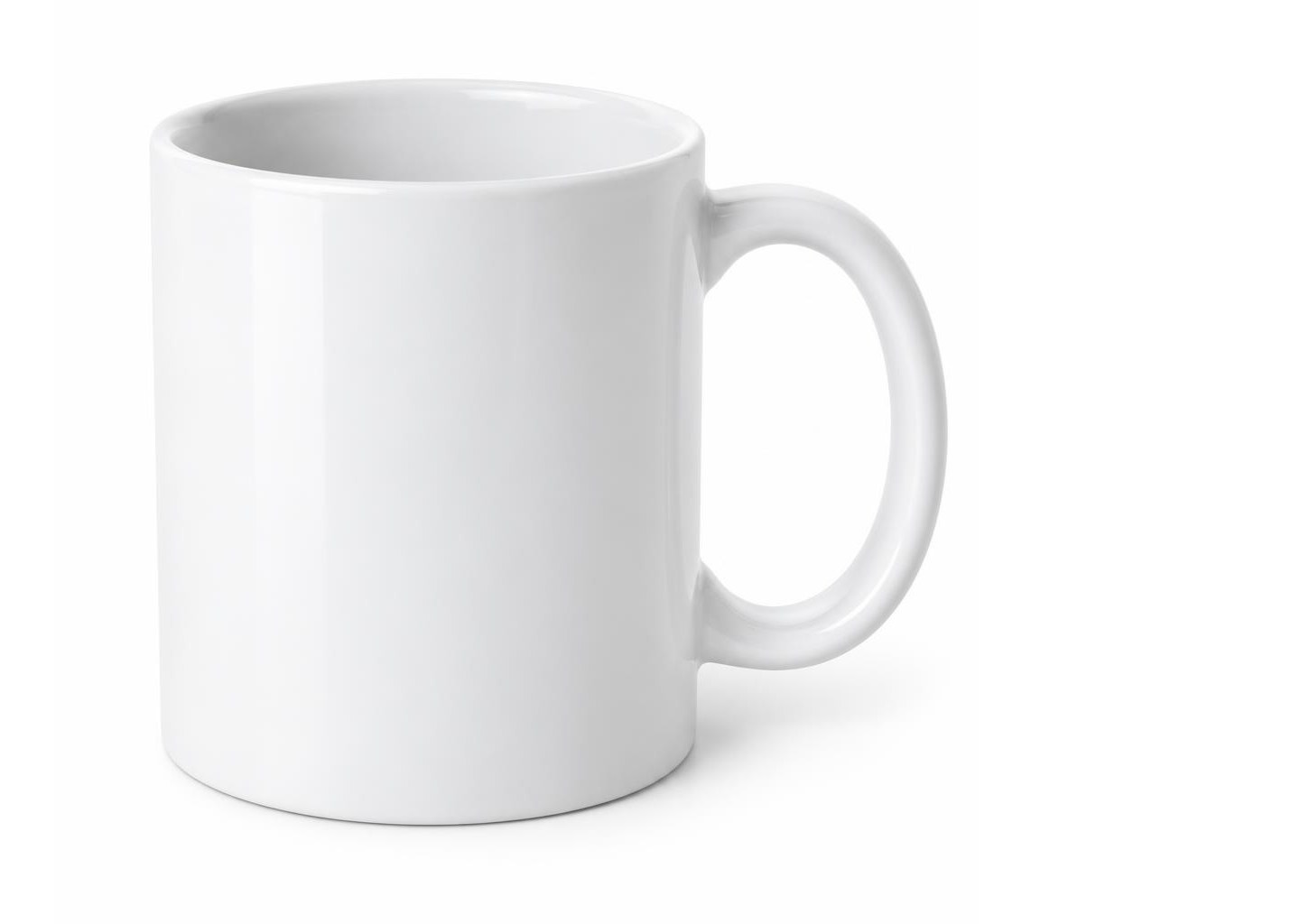

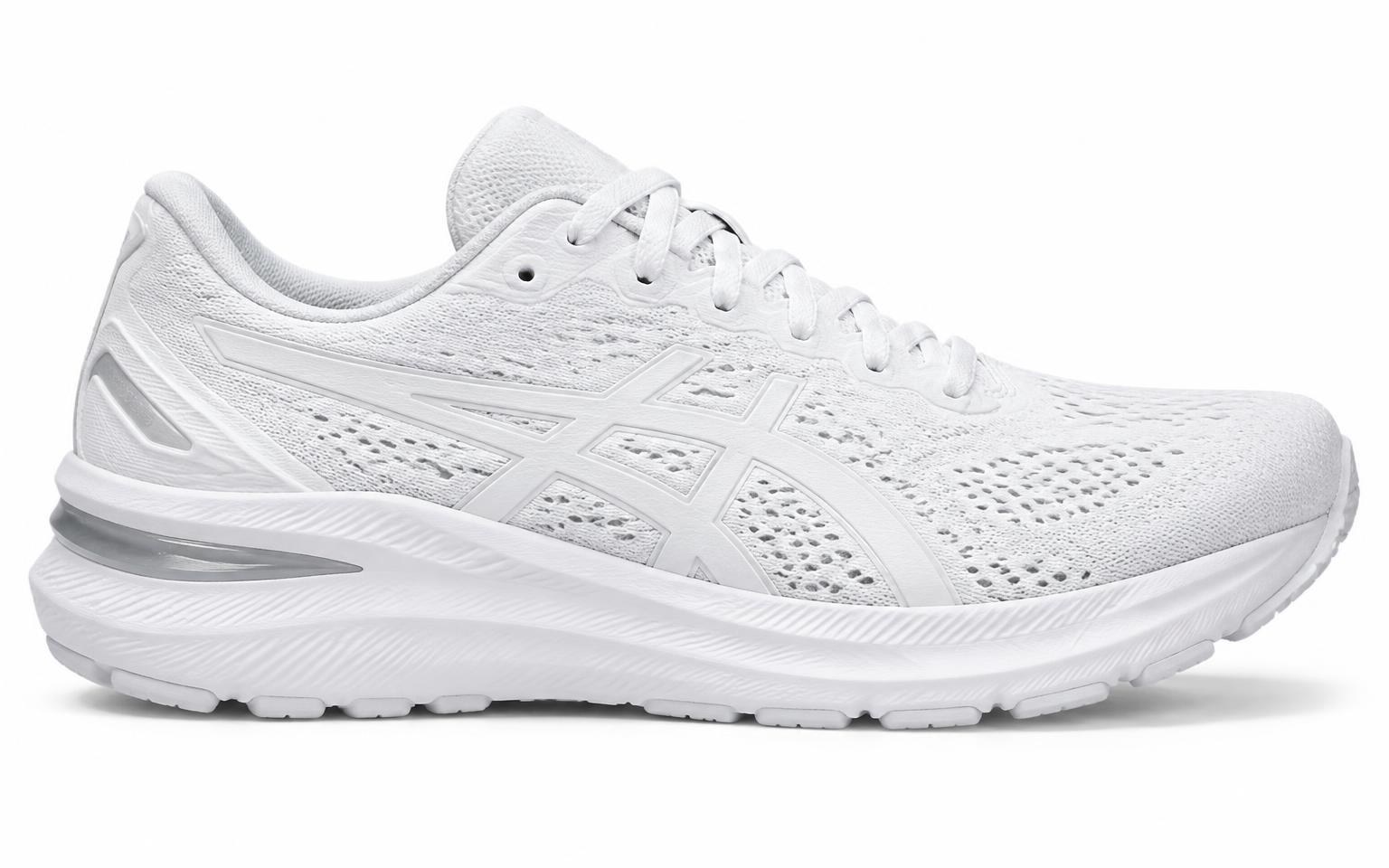
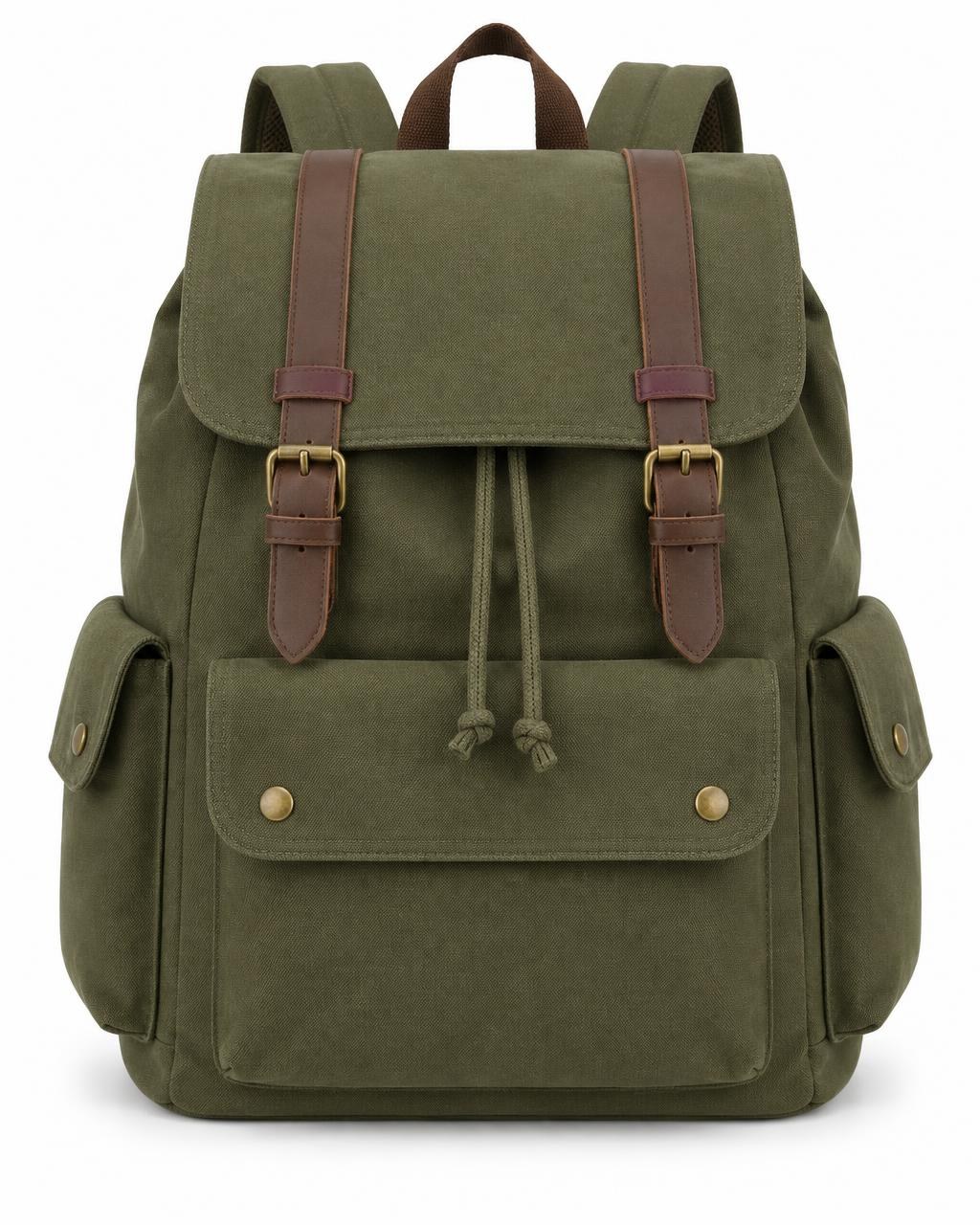
Supplier photos with mixed shapes, sizes and empty space.
Etsy starting points
A practical starting point for Etsy listing photos.
Etsy gives recommendations for listing photo quality and thumbnails. Image Fixer can help standardize dimensions, canvas and product framing before you upload your images.
2000 px or more
Etsy recommendation
Etsy recommends listing photos with a width and height of at least 2000 pixels.
2000 × 2000 px
Image Fixer preset
Image Fixer uses a 2000 × 2000 px square canvas as a practical high-resolution starting point. This is an Image Fixer preset, not a mandatory Etsy image size.
Original
High-quality source
Start with the highest-quality original available. Etsy warns that enlarging a small image can cause loss of resolution and pixelation.
Centered
Thumbnail-aware framing
Leave useful space around the product and keep the important part near the center so Etsy has room to create different thumbnail crops.
Etsy does not require every listing image to be 2000 × 2000 px or square. Image Fixer helps prepare dimensions, canvas and framing, but does not control how Etsy crops or displays your photos. For other platforms, visit the Image Fixer homepage, the Shopify Image Resizer or the Amazon Product Image Resizer.
How it works
Prepare Etsy listing photos in three steps.
- 01
Upload your product photos
Add up to 30 JPG, PNG or WebP product images from different sources.
- 02
Adjust your Etsy images
Start with the Etsy preset, then adjust the background and Product Size for individual images where needed.
- 03
Download your images
Download one finished image individually or export the full batch together as a ZIP.
Built for one job
Prepare consistent Etsy listing photos.
Image Fixer focuses on the repetitive work of preparing product photos without turning the process into a full photo-editing workflow.
Batch up to 30 images
Prepare a full set of listing photos together instead of resizing them one by one.
Keep proportions intact
Source photos are fitted inside the canvas, never stretched or squashed.
Control product framing
Adjust Product Size across the batch or fine-tune individual images to leave room for Etsy thumbnail crops.
Etsy product image guide
Etsy listing image sizes, thumbnails and best practices
Preparing product images for Etsy involves more than choosing a width and height.
Image resolution, orientation, product framing, thumbnail cropping, file format and color profile can all affect how listing photos appear to shoppers.
This guide summarizes Etsy's current official image guidance and explains how Image Fixer can help prepare a more consistent set of product photos before you upload them to your Etsy listings.
Etsy listing image reference
- Recommended listing image size
- At least 2000 px in width and height
- First listing photo
- At least 635 px in width and height
- Image Fixer Etsy starting point
- 2000 × 2000 px
- Supported Etsy image file types
- JPG, GIF, PNG, SVG and HEIC
- Animated GIF
- Not supported
- Transparent PNG
- Transparency is not supported and transparent areas can appear black
- Color profile
- sRGB
- First photo orientation
- Horizontal or square
- Thumbnail framing
- Keep important content near the center and leave room for different crops
- Photos per listing
- Up to 20
Etsy recommends listing photos with a width and height of at least 2000 pixels. Etsy does not require every listing image to be 2000 × 2000 px or square. Image Fixer's 2000 × 2000 px Etsy preset is a practical square starting point for sellers who want consistent source images.
What size should Etsy listing images be?
Etsy recommends listing photos with a width and height of at least 2000 pixels.
Etsy also says the first listing photo should have a width and height of at least 635 pixels to avoid potentially appearing lower in search.
The 2000-pixel guidance is a recommendation for listing image quality. It does not mean every Etsy image must use one exact 2000 × 2000 px dimension.
Image Fixer's Etsy preset uses 2000 × 2000 px as a practical square starting point. This gives you a consistent high-resolution canvas while meeting Etsy's current recommendation of at least 2000 pixels in both dimensions.
Does Etsy require square product images?
No. Etsy does not require every listing image to be square.
Etsy says the first photo in a listing should be horizontal or square. This helps keep the center focal point visible when Etsy displays the image in cropped thumbnail views.
For thumbnail preparation, Etsy gives additional guidance: capture the product from farther back than you think you will need, keep the important part near the center and leave enough space around the subject for square, portrait and landscape thumbnail crops.
Etsy also advises avoiding tightly square-cropped source photos and recommends horizontal or landscape images when preparing for flexible thumbnail cropping.
These recommendations are not contradictory.
A first listing photo can be horizontal or square, while a source photo with extra horizontal space can give Etsy more room for different thumbnail crops.
Image Fixer's square Etsy preset is therefore a catalog-standardization option, not an Etsy requirement.
Why Etsy thumbnails matter
The first photo in an Etsy listing becomes the listing thumbnail.
That thumbnail can appear in different places across Etsy, and Etsy can display cropped versions of the primary image in different shapes.
Etsy recommends leaving enough border around the subject so the image can be cropped into square, portrait and landscape thumbnail views without losing important parts of the product.
Keep the most important part of the item near the center and avoid framing the product so tightly that a different crop removes part of it.
The largest possible product framing is not always the best framing for an Etsy thumbnail.
Why the first Etsy listing photo matters
The first photo is especially important because Etsy uses it as the thumbnail for the listing.
Etsy states that having multiple clear, high-resolution images is an important factor in listing quality.
Etsy also states that a primary image that is too dark, blurry or part of a photo collage may result in the listing appearing lower in Etsy search results.
The first image should clearly show the item, use sufficient image quality and remain understandable when displayed as a thumbnail.
Etsy also says the first listing photo dictates the shape of the photos that follow and that using the same general shape across listing photos creates a more cohesive browsing experience.
Same dimensions don't always create consistent Etsy listings
Two product photos can both be 2000 × 2000 px and still look very different when displayed together.
One product might fill most of its image while another appears much smaller because its original photo contains more empty space.
Dimensions control the canvas. Framing controls how large the product appears inside that canvas.
Image Fixer lets you work with both.
You can give a batch of product photos the same output dimensions and use Product Size to control how large each source image appears inside the canvas.
Product Size can also be fine-tuned for individual images.
Can you resize Etsy product images without stretching them?
Yes.
Image Fixer preserves the original proportions of the source image and fits it inside the selected output canvas.
A portrait or landscape source photo therefore keeps its original proportions instead of being stretched into a square.
When additional space is needed, the output canvas provides that space around the source image.
What image file types does Etsy support?
Etsy currently lists these supported image file types for shop images:
- JPG
- GIF
- PNG
- SVG
- HEIC
Etsy does not support animated GIF files.
Image Fixer exports JPEG, PNG and WebP.
For images being prepared specifically for Etsy, JPEG and PNG are currently listed by Etsy as supported file types.
WebP is available as an Image Fixer export format, but Etsy's current official shop image documentation does not list WebP as a supported image upload type.
If you are preparing a file specifically for Etsy, choose a format Etsy currently lists as supported.
Does Etsy support transparent PNG images?
Etsy supports PNG files, but it does not support PNG transparency.
Etsy states that when an uploaded image contains transparency, the transparent areas can appear black.
If a product image relies on transparency, prepare a deliberate background before uploading instead of assuming Etsy will preserve the transparent area.
Image Fixer can place a source image on a white, automatically selected or custom-color canvas.
However, Image Fixer is not an automatic background-removal tool. If the original source photo already contains a visible background around the product, that background remains part of the source image.
Does Etsy compress listing images?
Yes.
Etsy says images may appear less sharp after upload because Etsy compresses image files to improve page performance.
Etsy also optimizes image sizes for mobile displays.
This means the source file you upload and the image ultimately delivered to shoppers may not be identical at the file level.
Start with a clear, high-quality source image and avoid unnecessary quality loss before upload.
Image Fixer's role is to prepare and standardize the source image before Etsy performs its own image processing and delivery.
Should you enlarge a small Etsy product image?
Be careful when enlarging low-resolution product photos.
Etsy explains that increasing image size can result in lost resolution and pixelation.
Changing a small source photo to a 2000 × 2000 output does not create photographic detail that was not present in the original.
Whenever possible, start with the highest-quality original image available.
Image Fixer can standardize dimensions, canvas and presentation, but it cannot restore missing photographic detail from a poor-quality source file.
What color profile should Etsy product images use?
Etsy recommends using the sRGB color profile.
Etsy states that it converts images to the sRGB color profile and notes that CMYK is intended for print.
If an uploaded product image appears with unexpected colors, Etsy recommends converting the source image to sRGB before uploading.
This can be especially important for products where color presentation matters, including clothing, artwork, accessories, cosmetics and home decor.
How should you frame products for Etsy thumbnails?
Etsy recommends photographing products with extra negative space around the item so there is room for cropping.
The most important part of the product should remain near the center.
Etsy's thumbnail adjustment tool previews the subject in different views used across Etsy, so the source photo needs enough surrounding space to remain understandable across different crops.
Use Image Fixer's Product Size control with this in mind.
For Etsy, the goal is not automatically to make every product as large as possible inside the canvas. Leaving useful breathing room around the item can help protect important parts of the product when Etsy creates different thumbnail crops.
Can you adjust Etsy thumbnails after uploading?
Yes.
Etsy provides a thumbnail adjustment tool when creating or editing a listing.
Sellers can reposition the image and adjust thumbnail zoom while previewing how the subject appears in different views.
Etsy also allows listing photos to be cropped after upload.
Because the thumbnail comes from the primary listing photo, preview and adjust it in Etsy before publishing.
How many photos can an Etsy listing have?
Etsy currently allows up to 20 photos in a single listing.
Etsy also currently allows up to 2 listing videos.
Image Fixer processes up to 30 images in one batch, so a single Image Fixer batch can prepare the complete photo allowance for one Etsy listing.
Image Fixer does not upload files to Etsy or determine their final listing order.
Can product images affect Etsy search visibility?
Yes.
Etsy states that image quality can be one factor in listing quality and search visibility.
According to Etsy's current seller documentation, issues that can contribute to a listing appearing lower in search include a primary image that is too dark, low quality or part of a photo collage.
Image Fixer can help with dimensions, canvas consistency and framing, but it does not evaluate brightness, determine whether a photo is a collage or guarantee Etsy search performance.
Good image preparation is one part of a broader Etsy listing and search strategy.
What Image Fixer can help with before you upload to Etsy
Image Fixer is designed for the product-image preparation stage.
Use it when product photos from different shoots, suppliers, devices or older listings do not have a consistent presentation.
- Create consistent product image dimensions
- Start with a 2000 × 2000 px Etsy preset
- Preserve the original proportions of source photos
- Avoid stretching portrait or landscape images
- Standardize the canvas across a product batch
- Control how large the source photo appears inside the canvas
- Fine-tune Product Size for individual images
- Leave useful space around products for thumbnail framing
- Choose a white, automatic or custom background
- Process up to 30 images in one batch
- Export Etsy-supported JPEG or PNG files
- Download multiple finished images together as a ZIP
What Image Fixer doesn't control on Etsy
Image Fixer prepares image files before upload, but it does not control Etsy's marketplace or listing system.
- It does not control Etsy's final thumbnail crop
- It does not replace Etsy's thumbnail adjustment tool
- It does not control Etsy's image compression
- It does not control Etsy's mobile image optimization
- It does not determine your listing image order
- It does not upload images directly to Etsy
- It does not guarantee Etsy search placement
- It does not evaluate whether every photograph complies with Etsy policies
- It does not restore photographic detail missing from a low-resolution source
- It does not automatically remove an existing product background
Image Fixer helps create a cleaner and more consistent source image set. Etsy ultimately controls how those images are processed, cropped and displayed across its marketplace.
Etsy listing image checklist before upload
- Start with clear, high-resolution source photos
- Aim for at least 2000 px in both width and height when following Etsy's current recommendation
- Make sure the first listing photo is at least 635 px in both width and height
- Keep the most important part of the product near the center
- Leave enough space around the product for thumbnail cropping
- Consider a horizontal or square first listing photo
- Avoid overly tight source crops when you need flexibility across Etsy's thumbnail views
- Keep the general image shape consistent across the listing where practical
- Avoid stretching or distorting the source photo
- Check that the primary image is clear and not too dark or blurry
- Avoid using a photo collage as the primary listing image
- Use a file format Etsy currently lists as supported
- Do not rely on transparent PNG areas remaining transparent
- Use sRGB when preparing color-sensitive product photography
- Preview and adjust the Etsy thumbnail before publishing

Your product photos stay on your device.
Image processing happens directly in your browser. Your product photos are not uploaded to an Image Fixer server for processing.
Questions
Etsy image resizing questions
What size should Etsy listing images be?
Etsy recommends listing photos with a width and height of at least 2000 pixels. Etsy also says the first listing photo should be at least 635 pixels in both width and height to avoid potentially appearing lower in search. Image Fixer uses 2000 × 2000 px as a practical Etsy starting point, not as a mandatory Etsy dimension.
Does Etsy require square product images?
No. Etsy does not require every listing image to be square. Etsy says the first listing photo should be horizontal or square, while its thumbnail guidance recommends leaving enough surrounding space so the product remains visible across different thumbnail crops.
Why does Etsy crop my listing image?
Etsy displays listing thumbnails in different places and can use different crops. Keep the important part of the product near the center, leave useful space around it and preview the thumbnail using Etsy's thumbnail adjustment tool before publishing.
Can I resize multiple Etsy product images at once?
Yes. Image Fixer can process up to 30 product images in one batch. You can use common settings across the batch and fine-tune Product Size for individual images when needed.
Does Etsy support transparent PNG images?
Etsy supports PNG files, but its current documentation says transparency is not supported. Transparent areas can appear black after upload, so prepare a deliberate background when transparency matters.
Can product images affect Etsy search visibility?
Yes. Etsy says image quality can contribute to listing quality and search visibility. A primary image that is too dark, low quality or part of a photo collage may contribute to a listing appearing lower in search. Image Fixer can help standardize dimensions and framing, but it does not guarantee Etsy search performance.
Does Image Fixer upload images directly to Etsy?
No. Image Fixer prepares and exports the image files. You download the finished images and upload them to Etsy yourself.