
Vinted Image Resizer & Photo Prep
Prepare clearer, well-framed Vinted listing photos while keeping the full item visible and its real appearance intact. Resize and prepare images directly in your browser.
FreeNo sign-upImages stay in your browser
Drop your product images here
JPG, PNG or WebP • Up to 30 images
Choose a marketplace to load recommended image settings. You can change them anytime.
Image fit
Background color
Fills the space added around each photo.
How much of the canvas the complete photo fills.
Before / After
Prepare cleaner source photos without changing the item.
Listing photos often come from different phones, cameras and orientations. Image Fixer can help you resize and frame the source file more consistently, but Vinted requires photos to represent the actual item as it is. Do not use editing to change colours, hide defects or misrepresent the product.
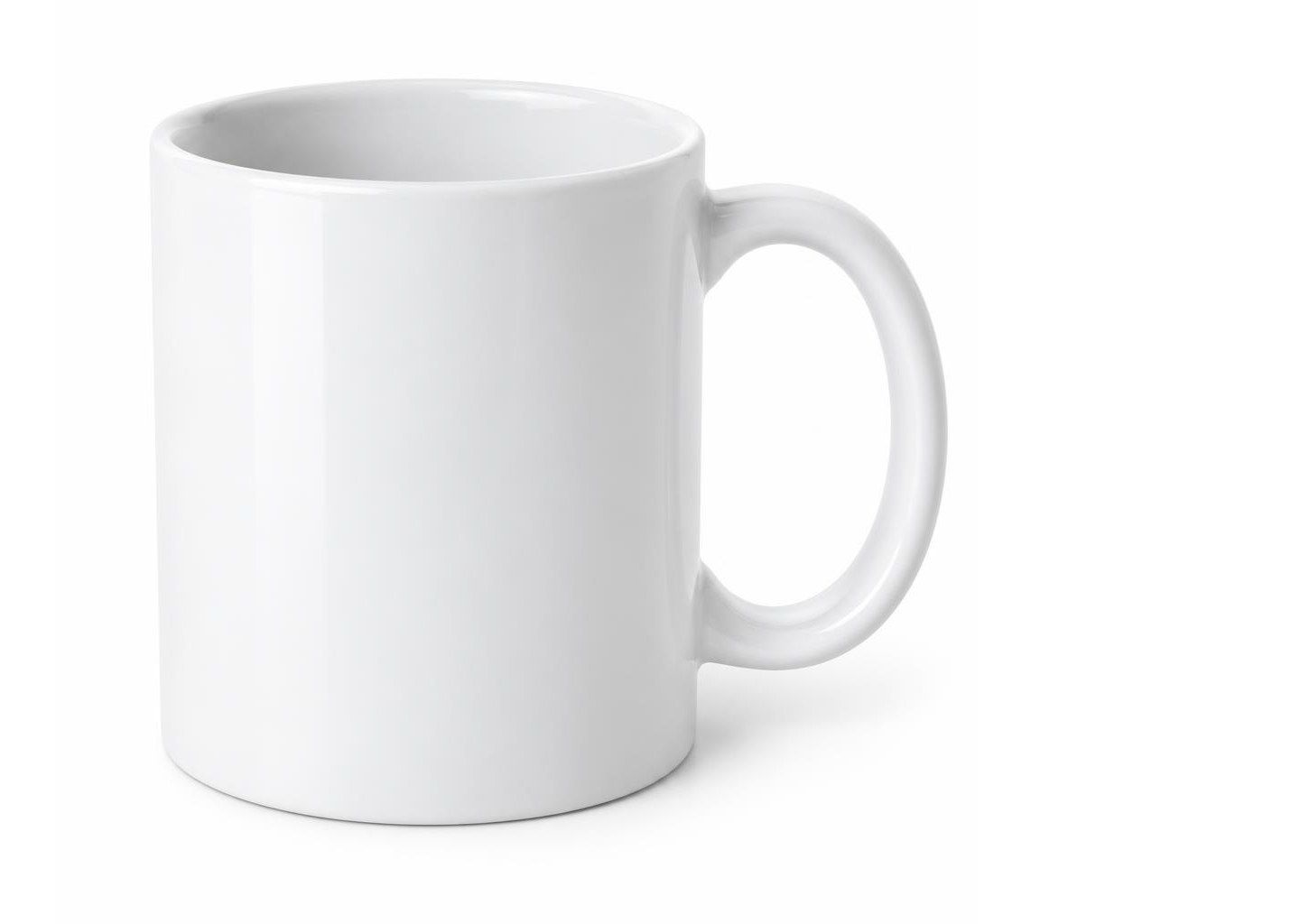

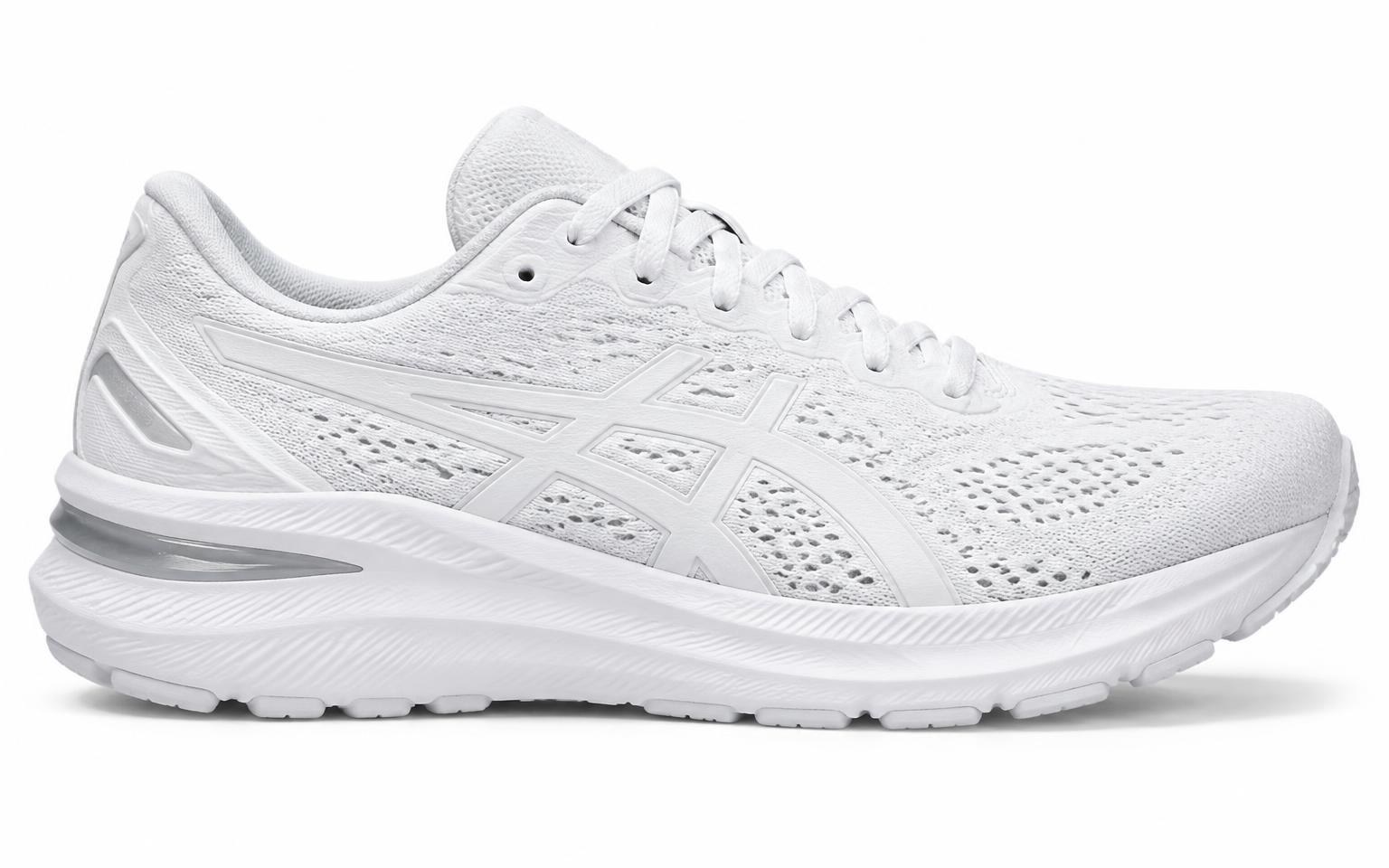
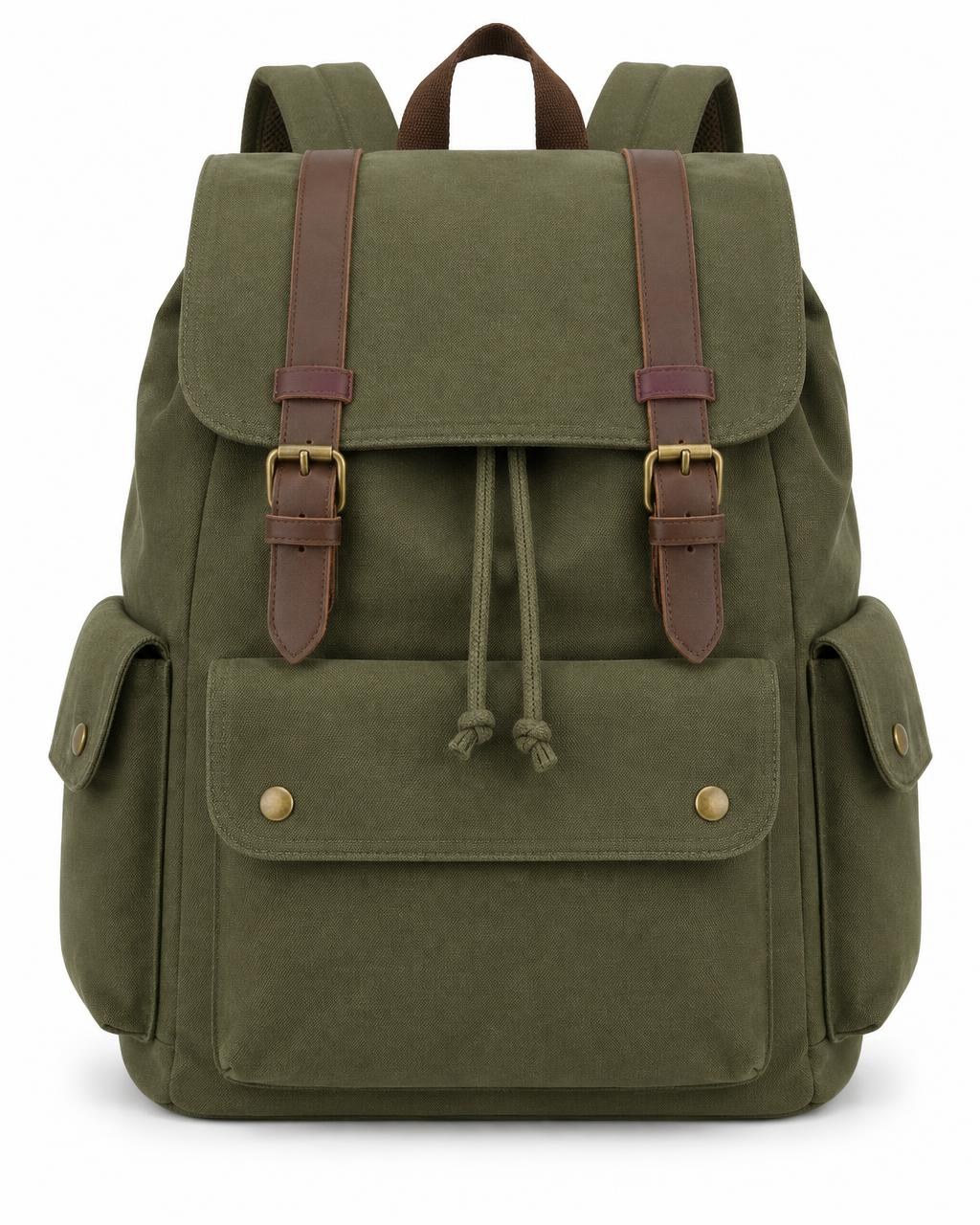
Supplier photos with mixed shapes, sizes and empty space.
Vinted photo starting points
Start with the real item, clearly visible.
Vinted does not publish one universal mandatory pixel size for every listing photo. The most important starting point is a clear, authentic photo that shows the actual item accurately.
Full item
Show the complete item first
Vinted says the first photo should clearly show the whole item. Avoid framing that cuts off important parts of the product.
True colour
Keep colours realistic
Use clear source photos with natural lighting. Vinted recommends daylight and advises against flash and filters so the item's real colour remains visible.
Up to 20
Use informative photos
Vinted allows up to 20 photos per listing. Use additional images for different angles, close-ups, authenticity details and visible defects.
These are based on Vinted's published photo guidance, not an official Image Fixer size specification. Vinted rules can change, so always check the current official guidance before publishing. The Vinted option in the tool is an Image Fixer starting point — not an official Vinted requirement.
How it works
Prepare a Vinted photo in three steps.
- 01
Upload your original photo
Add your own JPG, PNG or WebP photo of the actual item you are selling.
- 02
Resize carefully
Keep the source proportions and make sure the full item remains clearly visible. Avoid edits that change the item's real appearance.
- 03
Review before download
Check colour, defects, labels, logos and important details before using the finished image in a Vinted listing.
Built for one job
Prepare cleaner files without misrepresenting the item.
Image Fixer can help with repetitive technical image preparation, but Vinted's photo rules should always take priority.
Keep the whole item visible
Prepare the image without stretching the source photo or forcing a crop that removes important parts of the item.
Preserve the original proportions
Resize portrait, landscape or square source photos without distorting the product.
Process photos in your browser
Image Fixer processes supported image preparation directly in your browser, so your source photos do not need to be uploaded to an Image Fixer server.
Vinted's rules come first.
Image Fixer is an independent tool. Vinted's Catalog Rules state that listing photos must represent the item as it is and that image editing is not allowed. If an Image Fixer feature would change the item's actual appearance, do not use that feature for your Vinted listing. When in doubt, upload the original photo.
Vinted photo guide
Vinted listing photos: rules, clarity and practical preparation
Good Vinted photos are not about making an item look artificially perfect. They are about showing the real item clearly, completely and accurately.
Vinted's official guidance focuses on authenticity, true colours, clear details, visible defects and original seller-taken photos. Image Fixer should be used only in ways that preserve that accuracy.
Vinted listing photo reference
- First listing photo
- Show the whole item clearly
- Number of photos
- Up to 20 photos per listing
- Source images
- Use your own photos
- Stock / web images
- Not allowed
- Watermarks
- Not allowed
- Colours
- Show true colours; natural daylight is recommended
- Defects
- Show visible flaws clearly
- Branded items
- Show labels, logos, stitching and other authenticity details
- Image editing
- Vinted Catalog Rules say photos must represent the item as it is; image editing is not allowed
Vinted does not provide one universal mandatory image dimension in the guidance referenced on this page. Do not treat any Image Fixer output size as an official Vinted requirement.
What does Vinted require in the first photo?
Vinted says the first listing photo should clearly show the entire item.
The first image should make it easy for a buyer to understand what is being sold without important parts being cut off.
Vinted also advises against using collages as the first image.
For Image Fixer, this means the priority is not forcing a particular crop. The priority is keeping the complete item visible.
Does Vinted have an official image size?
Vinted's published photo guidance does not specify one universal mandatory pixel dimension for all listing photos.
Because of that, Image Fixer should not describe any preset as an official Vinted size.
If Image Fixer provides a starting output size, it should be presented only as a technical starting point, not a Vinted requirement.
The final photo should still be checked against Vinted's current rules before publishing.
Can I crop a Vinted photo?
A crop that removes important parts of the item can make the listing less useful and can conflict with Vinted's guidance that the first image should show the whole item.
If resizing is needed, preserving the original proportions is generally safer than stretching the image.
Always review the final photo and make sure the real item remains fully and accurately represented.
Should I remove the background from a Vinted photo?
Do not assume that background removal is recommended for Vinted.
Vinted's Catalog Rules state that listing photos should represent the item as it is and that image editing is not allowed.
Vinted's photo tips recommend a clear, neutral background with no distractions, but that is different from digitally replacing or manipulating the background.
For Vinted listings, photographing the item against a clean neutral background is safer than relying on aggressive digital editing.
When in doubt, use the original photo and follow Vinted's current rules.
Why should Vinted photos use natural colours?
Vinted advises sellers to capture the item's true colours.
The platform recommends natural daylight and advises against flash and filters.
This matters because the buyer expects the item they receive to match the listing photos.
Do not use Image Fixer or another tool to change an item's real colour.
How should I photograph branded items for Vinted?
For well-known or designer brands, Vinted asks sellers to show clear authenticity details.
Useful photos can include labels, logos, patterns, stitching, care labels, packaging, receipts, authenticity codes and other relevant details.
Text and identifying details should remain readable.
Do not crop out or modify authenticity evidence.
Why should defects be visible in Vinted photos?
Vinted tells sellers to show flaws and defects clearly.
This can include stains, scratches, holes, tears, missing parts, broken zips, fading or other signs of wear.
If the real condition is significantly different from the listing photos or description, the buyer may be able to return the item.
Image preparation should never be used to hide a defect.
Can I use stock photos or pictures from a brand website?
No. Vinted says sellers should use their own photos of the actual item.
Stock images, images found online, advertisements and watermarked photos are not allowed for normal listing photos.
Using original photos also helps show the item's current condition accurately.
Why can readable labels and details matter?
Small details can help buyers understand condition, brand and authenticity.
Vinted specifically recommends close-up images where logos, labels, stitching and other important features are readable.
When resizing a source image, avoid reducing quality so aggressively that text or small details become difficult to see.
Does Image Fixer guarantee that Vinted will accept my photo?
No.
Image Fixer is an independent image preparation tool and is not affiliated with, endorsed by or integrated with Vinted.
Vinted controls its own listing rules, automated checks and moderation.
Always review Vinted's current official rules before uploading your final listing photos.
What Image Fixer can help with before Vinted
Use Image Fixer conservatively for technical preparation while preserving the real appearance of the item.
- Keep the whole item visible
- Preserve the source image proportions
- Avoid stretching portrait or landscape photos
- Resize files when technically necessary
- Review framing before upload
- Process multiple source photos
- Export supported image formats
- Keep processing in the browser
- Download finished files for manual review
What Image Fixer should not be used for on Vinted
Vinted's rules require accurate photos of the actual item.
- Do not change the item's real colour
- Do not hide stains, scratches, tears or other defects
- Do not modify brand labels or logos
- Do not create fake authenticity details
- Do not replace the real item with stock imagery
- Do not use generated product photos instead of the actual item
- Do not use aggressive retouching to make the item look different
- Do not assume background removal is allowed
- Do not describe Image Fixer settings as official Vinted requirements

Your product photos stay on your device.
Image processing happens directly in your browser. Your product photos are not uploaded to an Image Fixer server for processing.
Need more? Explore all our free image tools.
Browse all tools →Questions
Vinted photo questions
What size should Vinted photos be?
Vinted's official photo guidance referenced here does not specify one universal mandatory pixel size for every listing photo. Focus on a clear, high-quality photo that accurately shows the item, and treat any Image Fixer size as a technical starting point rather than an official Vinted requirement.
Does Vinted require square photos?
Vinted's official guidance referenced on this page does not state that every listing photo must use a 1:1 square format. The first photo should clearly show the whole item.
Can I remove the background from a Vinted photo?
Vinted's Catalog Rules say listing photos must represent the item as it is and that image editing is not allowed. A clean neutral background photographed at the source is safer than digitally replacing a background. Always follow Vinted's current rules.
Can I use filters on Vinted photos?
Vinted advises sellers not to use filters and recommends natural daylight so the item's true colours remain visible.
Can I use stock photos on Vinted?
No. Vinted says listing photos should be your own photos of the actual item. Stock photos, images found online and watermarked images are not allowed.
How many photos can I add to a Vinted listing?
Vinted currently states that you can add up to 20 photos to a listing.
Should I show defects in Vinted photos?
Yes. Vinted advises sellers to show flaws clearly. The listing photos and description should accurately reflect the item's real condition.
What photos help show authenticity for branded items?
Vinted recommends clear photos of details such as labels, logos, stitching, patterns, packaging, authenticity codes and other relevant evidence. Important text should remain readable.
Does Image Fixer upload my photos?
Image Fixer processes supported image preparation directly in your browser during the normal editing workflow. Your images are not uploaded to an Image Fixer server for that processing.
Is Image Fixer affiliated with Vinted?
No. Image Fixer is an independent tool and is not affiliated with, endorsed by or officially integrated with Vinted.