
WooCommerce Image Resizer
Prepare clean, consistent product images for your WooCommerce store. Resize and standardize up to 30 product photos at once while keeping control over dimensions, framing, background and output format.
FreeNo sign-upImages stay in your browser
Drop your product images here
JPG, PNG or WebP • Up to 30 images
Before / After
From mixed product photos to consistent WooCommerce catalog images.
Product photos from different sources often use inconsistent dimensions, backgrounds and framing. Image Fixer puts them on a consistent square canvas while keeping the full product visible.
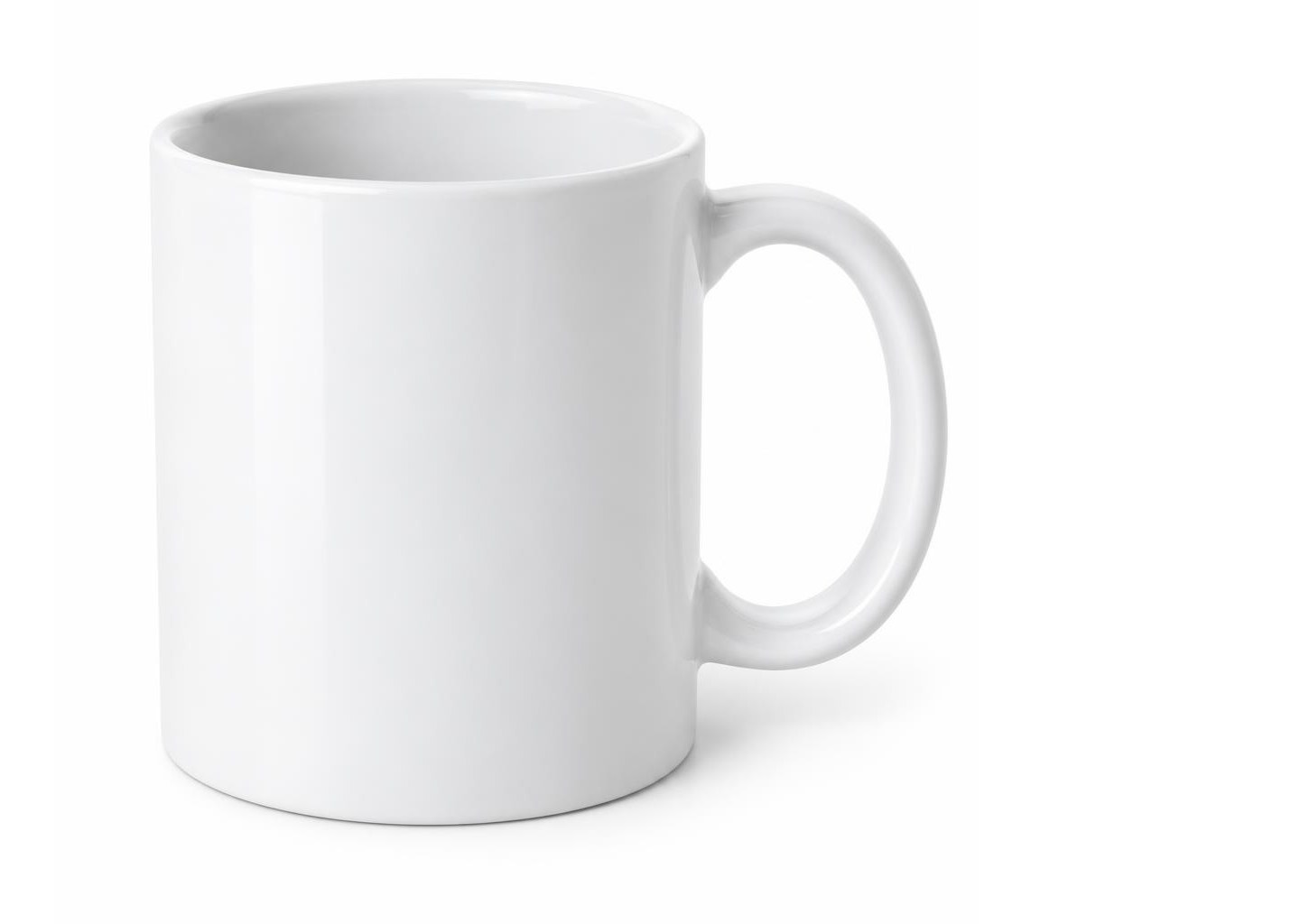

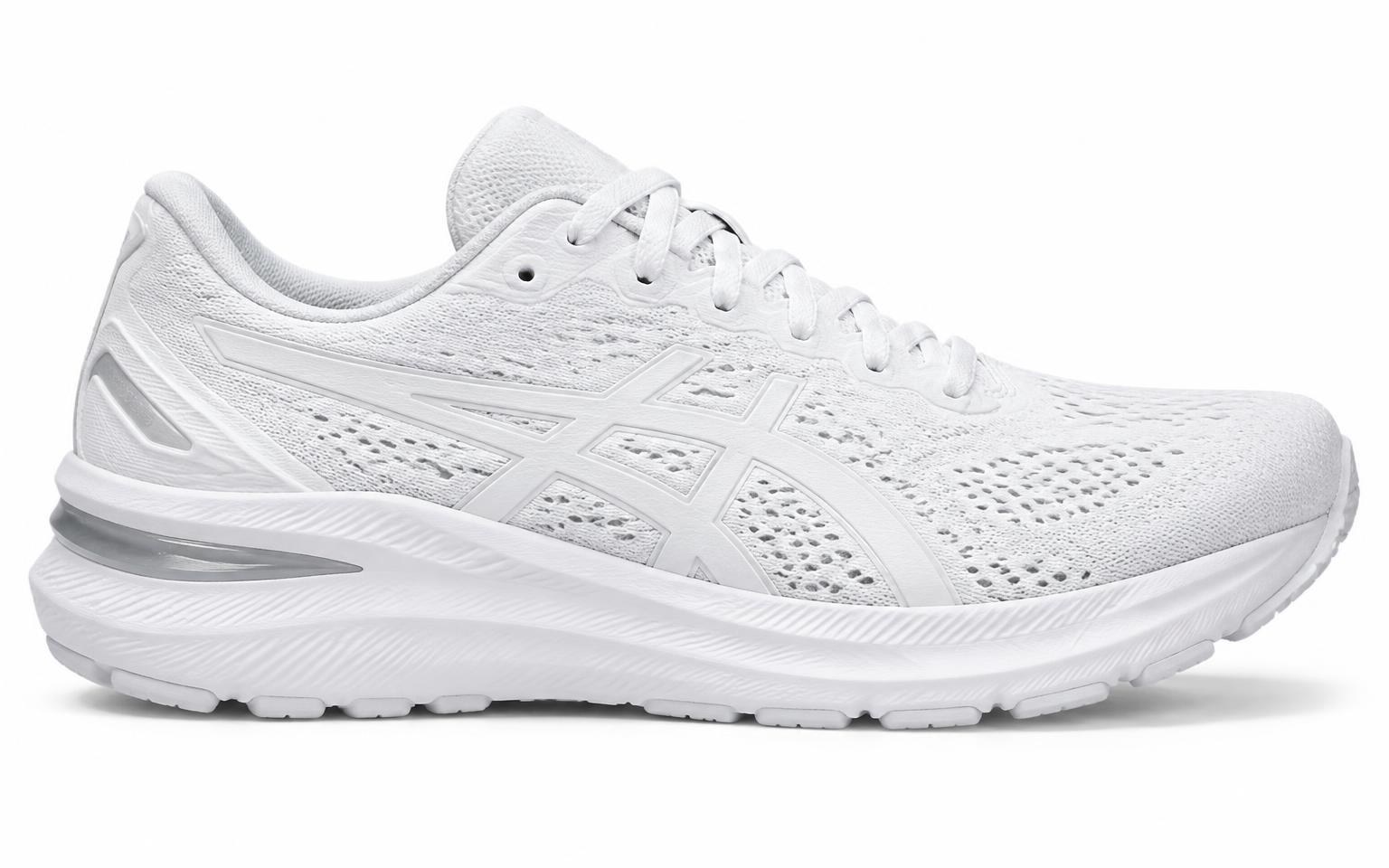
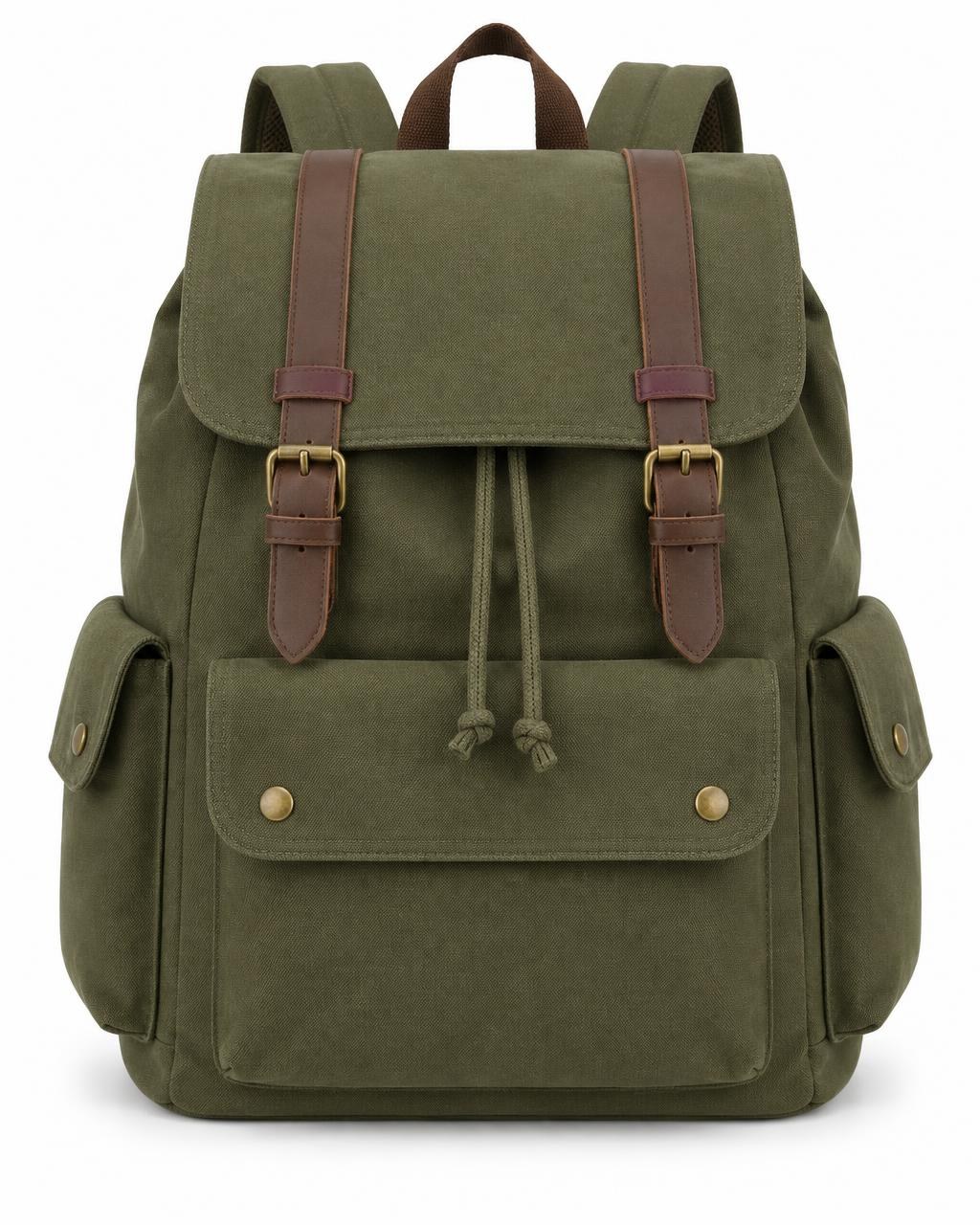
Supplier photos with mixed shapes, sizes and empty space.
WooCommerce starting points
A practical starting point for WooCommerce product images.
WooCommerce recommends a minimum source size, while your theme and store settings shape how images are displayed. Image Fixer can help standardize dimensions, canvas and product framing before you upload your images.
1200 × 1200 px
Image Fixer preset
Image Fixer's WooCommerce preset uses a 1200 × 1200 px square canvas as a practical high-resolution starting point for consistent product catalogs.
800 × 800 px or more
WooCommerce recommendation
WooCommerce recommends uploading product images that are at least 800 × 800 pixels. Larger images can be useful for products with fine detail.
Consistent
Consistent aspect ratio
Consistent source dimensions and framing can make product grids look more uniform, especially when the store uses square thumbnail cropping.
Original
High-quality source
Start with the highest-quality original available. WooCommerce generates different display sizes from the uploaded source image, so the quality of that source matters.
WooCommerce recommends source images of at least 800 × 800 px, but it does not require every product image to use one universal dimension. Image Fixer's 1200 × 1200 px WooCommerce preset is a practical starting point, not an official WooCommerce requirement. For other platforms, see the Image Fixer homepage, the Shopify Image Resizer, the Amazon Product Image Resizer, the Etsy Image Resizer or the eBay Image Resizer.
How it works
Prepare WooCommerce product images in three steps.
- 01
Upload your product photos
Add up to 30 JPG, PNG or WebP product images from different sources.
- 02
Adjust your WooCommerce images
Start with the WooCommerce preset, then adjust the background and Product Size for individual images where needed.
- 03
Download your images
Download one finished image individually or export the full batch together as a ZIP.
Built for one job
Prepare consistent WooCommerce product images.
Image Fixer focuses on the repetitive work of preparing product photos without turning the process into a full photo-editing workflow.
Batch up to 30 images
Prepare a full set of product photos together instead of resizing them one by one.
Keep proportions intact
Source photos are fitted inside the canvas, never stretched or squashed.
Control product framing
Adjust Product Size across the batch or fine-tune individual images so products look consistent across your catalog.
WooCommerce product image guide
WooCommerce product image sizes, cropping and best practices
WooCommerce product images work differently from images on a marketplace with one centralized storefront design.
Your original product photos are uploaded to WordPress, while WooCommerce and your theme determine how different image sizes and crops are displayed across the store.
This guide explains WooCommerce's current official product-image guidance, how its different image types work and how Image Fixer can help prepare a more consistent source catalog before upload.
WooCommerce product image reference
- WooCommerce recommended source size
- At least 800 × 800 px
- Image Fixer WooCommerce starting point
- 1200 × 1200 px
- Single Product Image
- Largest main product image
- Catalog Images
- Used in product loops such as Shop, Categories, Related Products, Up-sells and Cross-sells
- Product Thumbnails
- Smaller images used in areas such as Cart, Widgets and gallery thumbnails
- Thumbnail cropping
- 1:1, Custom or Uncropped depending on configuration
- Storefront display size
- Can depend on WooCommerce settings and the active theme
- Image Fixer preset format
- WebP
WooCommerce recommends uploading product images that are at least 800 × 800 px. Image Fixer's 1200 × 1200 px preset provides a larger square starting point for consistent source images, but 1200 × 1200 px is not an official WooCommerce requirement.
What size should WooCommerce product images be?
WooCommerce currently recommends uploading product images that are at least 800 × 800 pixels.
WooCommerce notes that this size works well for the single product image, catalog image and thumbnail, while larger source images can be useful for products with fine detail.
There is no single mandatory WooCommerce product-image dimension that every store must use.
The final displayed dimensions can depend on the active theme, WooCommerce settings and where the image appears in the storefront.
Image Fixer's WooCommerce preset uses 1200 × 1200 px as a practical high-resolution square starting point.
That is an Image Fixer preset, not an official WooCommerce requirement.
What are the three main WooCommerce product image types?
WooCommerce documentation describes three main product-image types.
- Single Product Image
- This is the largest product image and refers to the main or featured image on the individual product page.
- Catalog Images
- These are medium-sized images used in product loops, including the Shop page, Product Category pages, Related Products, Up-sells and Cross-sells.
- Product Thumbnails
- These are smaller images used in places such as the Cart, Widgets and optional gallery thumbnails beneath the main product image.
The same uploaded source photo can therefore be used in several different visual contexts across a WooCommerce store.
Does WooCommerce require square product images?
No.
WooCommerce does not require every product image to be square.
For product thumbnails, WooCommerce supports different cropping options.
Depending on the store configuration, thumbnails can use:
- 1:1 square cropping
- a custom aspect ratio
- uncropped images
Using uncropped images preserves their original shape but can result in product grids that appear less uniform when source images use different aspect ratios.
Square source images are therefore a useful consistency strategy for many stores, but they are not a WooCommerce requirement.
How does WooCommerce crop product images?
WooCommerce can crop thumbnail images according to the store's product-image settings.
A 1:1 setting produces square thumbnails.
A custom setting lets the store use another aspect ratio.
An uncropped setting displays images using their original aspect ratios, which can produce different image shapes across the product catalog.
The important distinction is that preparing a square source image and configuring WooCommerce to crop thumbnails as squares are not the same thing.
Image Fixer prepares the source file.
WooCommerce and the store theme control how that source is ultimately displayed and cropped on the storefront.
Why can WooCommerce product image sizes vary by theme?
WooCommerce stores do not all use the same storefront layout.
WooCommerce documentation explains that themes can define or influence product-image dimensions.
In some classic-theme setups, product image settings are available through:
Appearance > Customize > WooCommerce > Product Images
If the Product Images section is not available there, the theme may define its own image sizes.
Block themes also use a different editing workflow and may not expose the same controls through the normal Customizer interface.
This is why an image dimension that looks ideal on one WooCommerce store may not be the ideal display size for another.
Image Fixer prepares consistent source images, but it does not control the active WordPress theme or WooCommerce storefront layout.
Why does WooCommerce generate different image sizes?
A product image can appear in several places across a WooCommerce store.
The large image on a product page does not need to be delivered at the same dimensions as a small cart thumbnail.
WooCommerce and WordPress therefore generate image sizes that can be used in different storefront contexts.
WooCommerce's official documentation says it generates the display sizes for uploaded product images.
This makes the quality of the original source image important.
Starting with a sufficiently large, clear product photo gives WooCommerce more useful source material when it creates the sizes needed by the storefront.
Why does Image Fixer use 1200 × 1200 px for WooCommerce?
Image Fixer's WooCommerce preset uses a 1200 × 1200 px square canvas.
This is not an official WooCommerce requirement.
WooCommerce's current documentation recommends uploading images that are at least 800 × 800 px.
Image Fixer uses 1200 × 1200 px as a practical higher-resolution starting point that stays above that recommendation while providing a consistent square source catalog.
Your store may benefit from another dimension depending on its theme, layout and image requirements.
Image Fixer also allows you to choose other standard output sizes or enter a custom size when needed.
Why equal dimensions don't always create a consistent WooCommerce catalog
Two product images can both be 1200 × 1200 px and still look visually inconsistent.
One product may fill most of the image while another appears much smaller because its source photo contains more empty space.
Canvas dimensions and product framing solve different problems.
Dimensions determine the outer image size.
Framing determines how large the source photo appears inside that image.
Image Fixer lets you standardize the output canvas while also controlling Product Size.
Product Size can be adjusted across the batch and fine-tuned for individual images when needed.
Can you make WooCommerce product images square without stretching them?
Yes.
A portrait or landscape source photo does not need to be distorted to fit a square product-image canvas.
Image Fixer preserves the source image proportions and fits the photo inside the selected output canvas.
When the aspect ratios do not match, additional canvas space is used instead of stretching the source photograph.
This can help standardize product-image dimensions while preserving the proportions of the original photo.
Why do WooCommerce product images sometimes look blurry?
WooCommerce's official documentation identifies image sizing as one possible reason product images can appear blurry or soft.
A displayed image needs enough source resolution for the size at which the theme renders it.
WooCommerce gives an example where, if a theme displays an image at 80 × 80 pixels, using a 160 × 160 pixel image can improve appearance on high-density displays.
However, WooCommerce also warns that larger image dimensions can increase page load time.
A blurry storefront image is therefore not always caused by the original file alone.
Theme settings, generated image sizes and display dimensions can also matter.
Image Fixer can prepare a higher-quality consistent source image, but it cannot diagnose or change the WooCommerce theme's rendering configuration.
Are larger WooCommerce product images always better?
No.
Larger source images can preserve more detail, but unnecessarily large images can also increase file size and page-loading work.
WooCommerce specifically notes that larger image dimensions can affect page-load performance.
The goal is therefore not to upload the largest possible file.
The better approach is to use enough resolution for the storefront's actual display needs while keeping image delivery efficient.
Image Fixer's 1200 × 1200 px WooCommerce preset is intended as a practical starting point, not a universal maximum or minimum.
Why does the Image Fixer WooCommerce preset use WebP?
Image Fixer's existing WooCommerce preset exports WebP.
WebP is a modern web image format that can provide efficient image delivery for ecommerce product photography.
However, this is an Image Fixer preset choice.
WooCommerce product images are managed through the WordPress media system, and the exact image workflow can depend on the WordPress installation, hosting environment, theme and other site configuration.
Image Fixer also supports JPEG and PNG when those formats are more appropriate for a store's workflow.
What is the difference between a WooCommerce product image and gallery images?
WooCommerce lets a product have a main Product Image and additional Product Gallery images.
The Product Image is the primary featured image for the product.
Gallery images provide additional views that shoppers can browse on the product page.
WooCommerce's current Product Gallery block can display thumbnails and a larger viewer and can support features such as zoom, full-screen viewing and next/previous navigation depending on the store configuration.
Using consistent source dimensions and framing across both the main image and gallery can create a cleaner visual presentation.
Image Fixer can prepare those source files together in one batch, but it does not upload them to WooCommerce or determine their final order.
Why does consistency matter in a WooCommerce product grid?
Product catalog pages often display many products next to each other.
When source images use different dimensions, aspect ratios and amounts of surrounding space, products can appear visually uneven even when WooCommerce crops the thumbnails.
A consistent source-image workflow can reduce those differences before the images reach the store.
Image Fixer can standardize:
- canvas dimensions
- aspect ratio
- surrounding canvas
- product framing
- output format
This is particularly useful when a catalog contains product photos from different suppliers, photographers, devices or older uploads.
What Image Fixer can help with before you upload to WooCommerce
Image Fixer is designed for the product-image preparation stage.
Use it when product photos from different sources need a more consistent presentation before being added to WordPress and WooCommerce.
- Create consistent product image dimensions
- Start with the existing 1200 × 1200 px WooCommerce preset
- Preserve the proportions of source photos
- Avoid stretching portrait or landscape images
- Standardize a square canvas across a product batch
- Control how large source photos appear inside the canvas
- Fine-tune Product Size for individual images
- Choose White, Auto or Custom canvas backgrounds
- Process up to 30 images in one batch
- Export WebP, JPEG or PNG
- Download multiple finished images together as a ZIP
- Use custom output dimensions when your WooCommerce theme needs another size
What Image Fixer doesn't control in WooCommerce
Image Fixer prepares source image files before upload.
It does not control the WordPress or WooCommerce storefront.
- It does not upload images directly to WooCommerce
- It does not change WordPress Media Library settings
- It does not change WooCommerce thumbnail settings
- It does not control the active WordPress theme
- It does not control theme-defined image dimensions
- It does not determine final storefront crops
- It does not regenerate WordPress thumbnails
- It does not configure WooCommerce product galleries
- It does not automatically remove an existing source background
- It does not diagnose every cause of blurry storefront images
- It does not guarantee page-speed improvements
- It does not guarantee compatibility with every WordPress theme or plugin
Image Fixer helps prepare cleaner and more consistent source images. WooCommerce, WordPress and the active store theme ultimately control how those images are generated, cropped and displayed on the storefront.
WooCommerce product image checklist before upload
- Start with clear, high-quality original product photos
- Aim for at least 800 × 800 px when following WooCommerce's current source-image recommendation
- Use larger source images when fine product detail requires them
- Check the image dimensions expected by your active WooCommerce theme
- Decide whether your catalog uses square, custom-ratio or uncropped thumbnails
- Keep product framing consistent across the catalog
- Avoid stretching source photos
- Make sure the product remains clearly visible inside the canvas
- Use consistent source dimensions where practical
- Choose an output format appropriate for your store
- Avoid unnecessarily large files that add page weight without useful visual benefit
- Check the main product image on the actual product page
- Check catalog images on Shop and Category pages
- Check smaller thumbnails where your store uses them
- Review desktop and mobile storefront presentation after upload

Your product photos stay on your device.
Image processing happens directly in your browser. Your product photos are not uploaded to an Image Fixer server for processing.
Questions
WooCommerce image resizing questions
What size should WooCommerce product images be?
WooCommerce currently recommends uploading product images that are at least 800 × 800 px. There is no single mandatory dimension for every WooCommerce store because final display sizes can depend on the active theme and store configuration. Image Fixer's WooCommerce preset uses 1200 × 1200 px as a practical starting point.
Does WooCommerce require square product images?
No. WooCommerce does not require square product images. Thumbnail cropping can be configured as 1:1 square, a custom aspect ratio or uncropped depending on the store and theme. Square source images are a useful consistency option, not a WooCommerce requirement.
Why does WooCommerce crop my product images?
WooCommerce can generate cropped thumbnails for product grids and other storefront locations. The crop depends on the store's image settings and can also be influenced by the active theme. Image Fixer prepares the source file but does not control WooCommerce's final storefront crop.
Why are my WooCommerce product images blurry?
Blurry images can occur when the generated or source image does not provide enough resolution for the size at which the theme displays it. Theme configuration and generated image sizes can also matter. Image Fixer can prepare higher-quality consistent source files, but it does not control your theme's image rendering.
Why does Image Fixer use 1200 × 1200 px for WooCommerce?
1200 × 1200 px is an Image Fixer starting point, not an official WooCommerce requirement. WooCommerce currently recommends source images of at least 800 × 800 px. The Image Fixer preset provides a larger square source canvas for stores that want consistent catalog images.
Can I resize multiple WooCommerce product images at once?
Yes. Image Fixer can process up to 30 product images in one batch. You can apply common settings across the batch and fine-tune Product Size for individual images when needed.
Does Image Fixer upload images directly to WooCommerce?
No. Image Fixer prepares and exports the image files in your browser. You download the finished images and then upload them to WordPress and WooCommerce yourself.