
TikTok Shop Image Resizer
Prepare clear, consistent square product photos for TikTok Shop. Resize images, adjust product framing, and download your finished photos without editing them one by one.
FreeNo sign-upImages stay in your browser
Drop your product images here
JPG, PNG or WebP • Up to 30 images
Choose a marketplace to load recommended image settings. You can change them anytime.
Image fit
Background color
Fills the space added around each photo.
How much of the canvas the complete photo fills.
Before / After
Turn mismatched product photos into a consistent TikTok Shop catalog.
Product photos often come from different sources: suppliers, cameras, phones and older catalogs. Some have too much empty space. Others are portrait or landscape images that don't fit neatly into a square listing. ImageFixer places photos on a consistent square canvas while preserving their original proportions. You can also adjust how large each product appears inside the image.
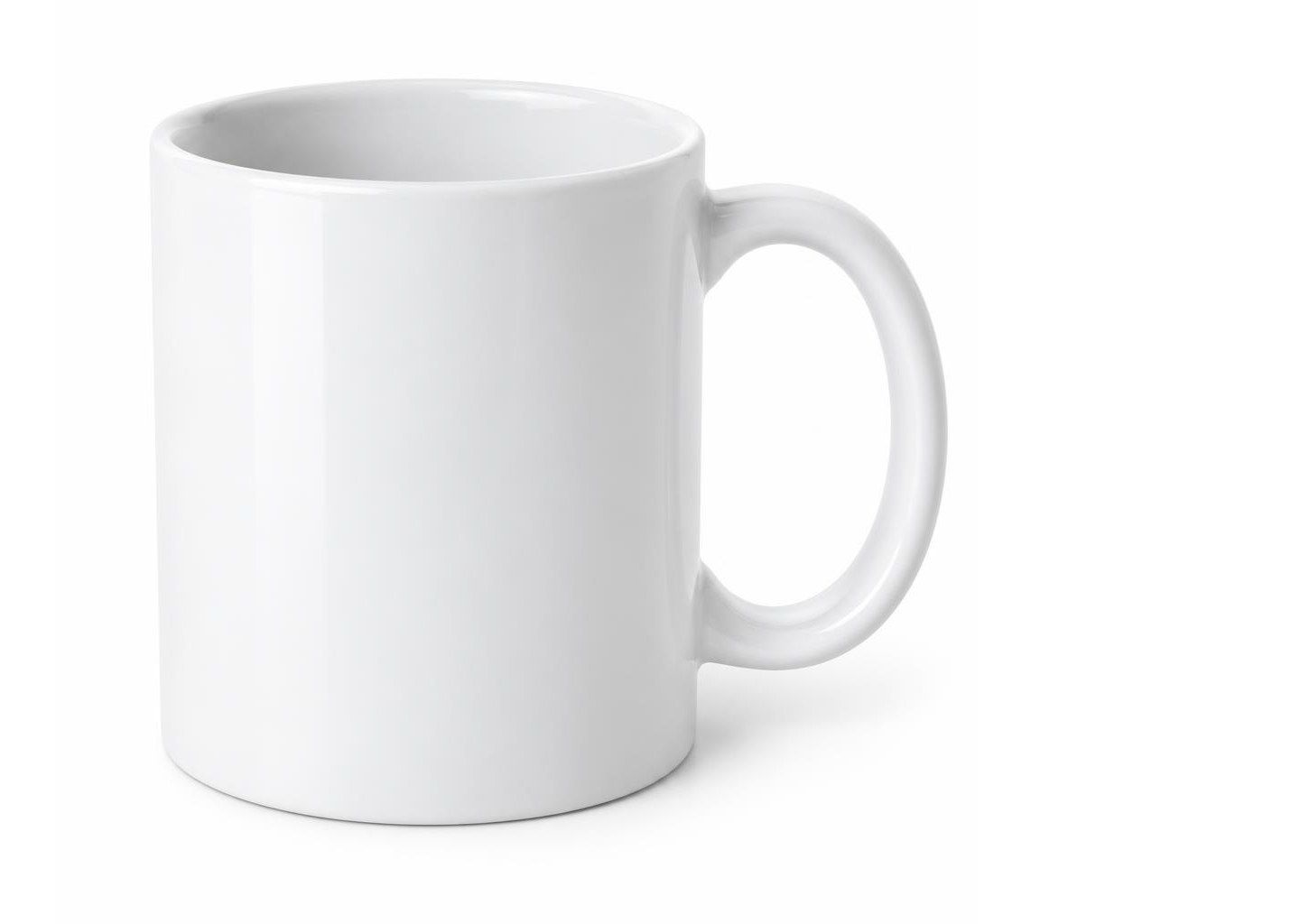
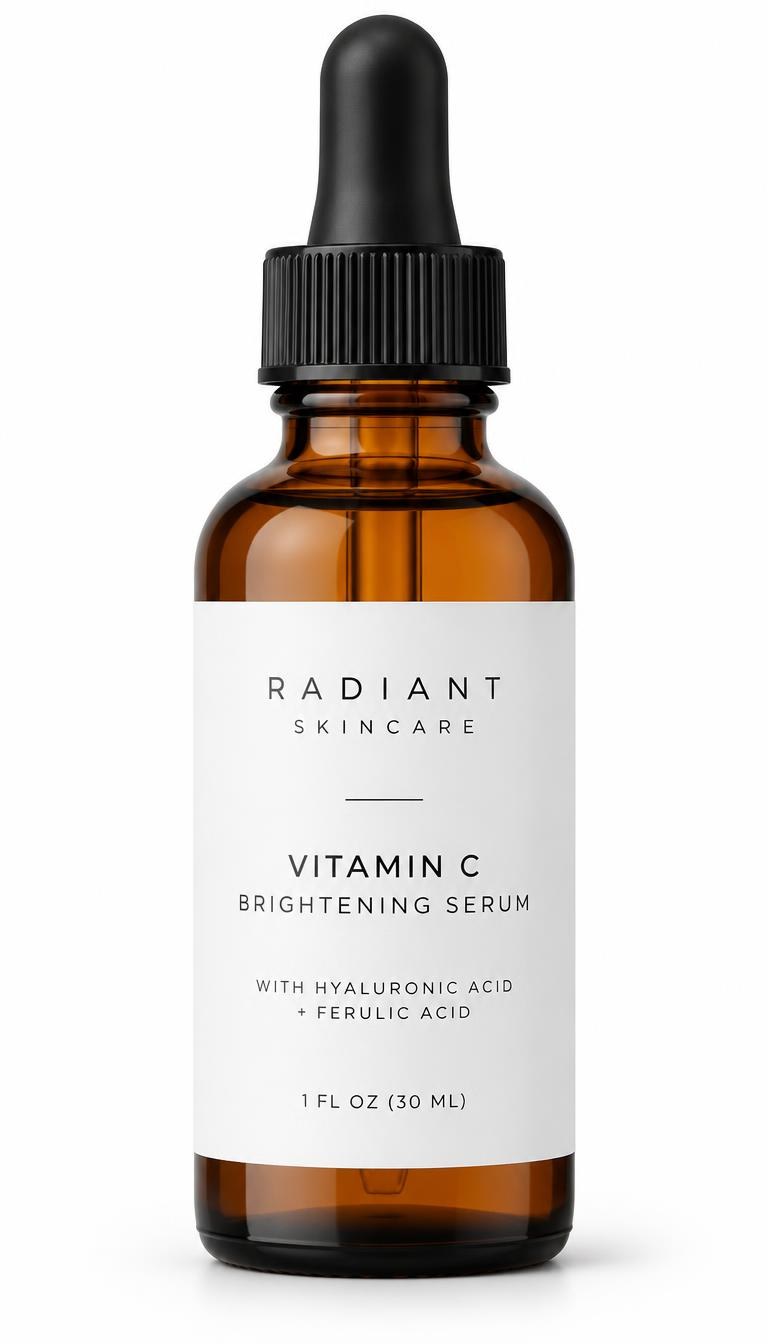
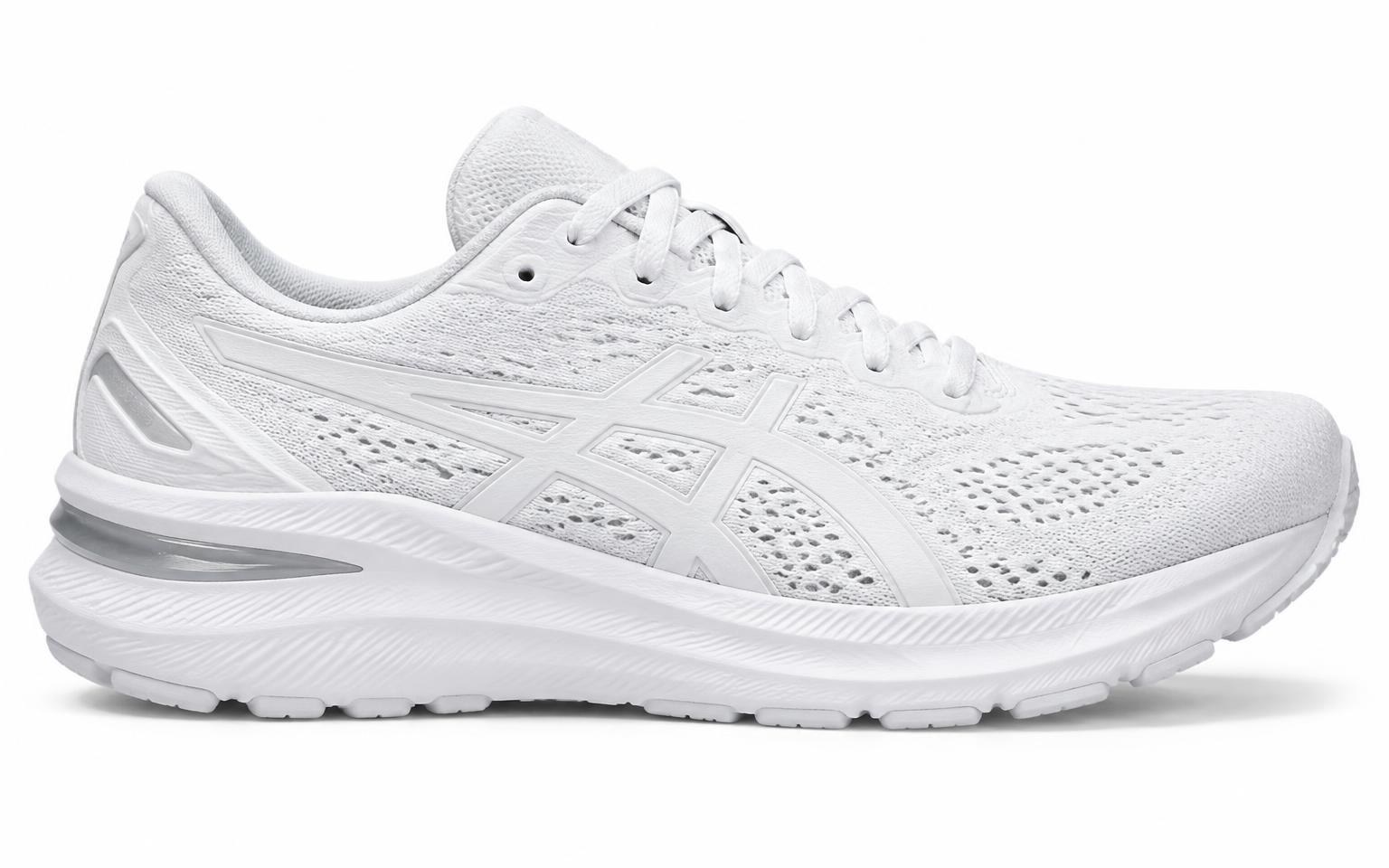
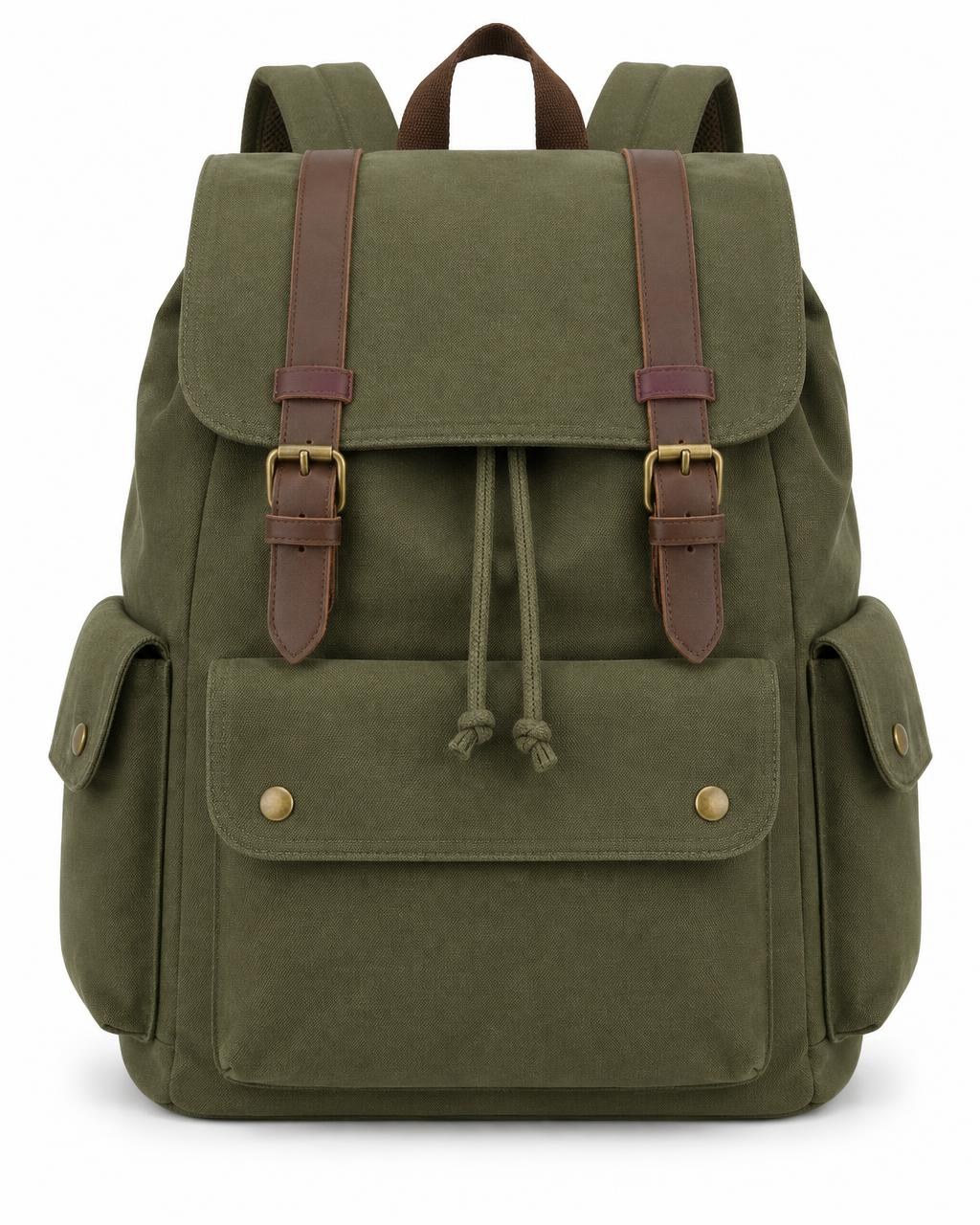
Supplier photos with mixed shapes, sizes and empty space.
TikTok Shop starting points
A practical starting point for TikTok Shop product images
600 × 600 px
Minimum image size
TikTok Shop's US seller guidance specifies a minimum image resolution of 600 × 600 pixels. A larger file may look better, but simply enlarging a blurry original will not restore lost detail.
1000 × 1000 px
Our recommended size
ImageFixer recommends 1000 × 1000 pixels as a practical square output for everyday product listings. This is an ImageFixer recommendation, not an official TikTok Shop requirement.
JPG, JPEG or PNG
Accepted listing formats
TikTok Shop's US Seller Center guidance lists JPG, JPEG and PNG for product images. Choose a format that preserves the detail and appearance of your product.
These specifications describe TikTok Shop's US seller guidance. Requirements may differ by market and product category.
How it works
Prepare TikTok Shop product images in three steps
- 01
Upload your product photos
Add up to 30 product images using the existing ImageFixer upload tool. Start with clear original photos whenever possible.
- 02
Adjust the image layout
Choose a square output size and adjust the background and Product Size settings. Check that the full item is visible and that important details are not cut off.
- 03
Download your images
Download a finished photo individually or export your batch as a ZIP. Review the images before adding them to your TikTok Shop listings.
Built for one job
Make product image preparation less repetitive
Prepare up to 30 photos together
Standardize a group of supplier or catalog images in one workflow instead of resizing every file separately.
Control how products fit
A square image can still look inconsistent when one product appears tiny and another fills the frame. Adjust Product Size to improve visual balance.
Keep the original proportions
Fit portrait and landscape photos into square canvases without stretching the item or forcing a destructive square crop.
TikTok Shop Product Image Guide
Image sizes, main photo rules and practical listing advice
Preparing product images for TikTok Shop involves more than making every photo square.
The first image needs to show the item clearly. Additional images should help buyers understand its shape, details and what is included. Image dimensions, image quality and truthful product presentation all matter.
This guide explains the image requirements documented for TikTok Shop's US market and how ImageFixer can help you prepare your photos before uploading them.
TikTok Shop product image reference
- Minimum dimensions
- 600 × 600 px
- Image shape
- Square (1:1)
- ImageFixer recommended output
- 1000 × 1000 px
- Supported listing formats
- JPG, JPEG, PNG
- Maximum file size
- 10 MB per image, according to the referenced US Seller Center guidance
- Images per product
- Up to 9
- Suggested coverage
- At least 5 clear product images
- Main image
- Clear product view without promotional overlays
The 1000 × 1000 px recommendation comes from ImageFixer. The other platform specifications are based on the cited TikTok Shop US documentation. Always check the requirements for your market and category.
1. What size should TikTok Shop product images be?
TikTok Shop's US guidance specifies a minimum image size of 600 × 600 pixels.
That is a minimum, not a target for every photograph. If your original image is already clear and larger than 600 × 600, you can prepare a higher-resolution square version.
ImageFixer recommends 1000 × 1000 pixels as a practical starting point for everyday product photos. You can set exact dimensions with the Image Resizer.
Avoid enlarging very small images just to reach a larger number. A 400 × 400 photo resized to 1000 × 1000 does not gain the missing product detail.
Start with the clearest source image available.
2. What should the first TikTok Shop product image show?
The first photo should make it immediately clear what the customer is buying.
Use a clear view of the actual product, with the full item visible and enough separation from the background.
TikTok Shop's US guidance warns against promotional text, watermarks, added graphics and distracting visual effects on the main image.
For many products, a clean white background is a useful choice. However, category-specific rules and examples may allow or call for other appropriate settings.
A white canvas alone cannot fix a blurry photograph, hide misleading content or remove objects already present in the source photo.
3. How many product images should you upload?
TikTok Shop's US guidance allows up to nine square product images per listing and recommends at least five high-quality images.
Instead of uploading nearly identical photographs, use the available images to answer different buyer questions.
A useful sequence is:
- Clear front view of the complete product
- Side view showing shape or depth
- Back view showing additional details
- Close-up of an important feature or material
- Realistic lifestyle or use-case photo
Additional images can show packaging, included accessories, relevant details or another useful angle.
Only show items that are actually included in the purchase.
ImageFixer can standardize the dimensions and framing of existing photos. It cannot create missing product angles or verify what is included in the package.
4. Why can square product images still look inconsistent?
Two images can both be 1000 × 1000 pixels while making the products look very different in size.
One supplier might photograph a shoe close to the camera. Another might leave a large amount of empty space around a handbag.
Resizing both images to the same dimensions does not automatically solve that visual difference.
ImageFixer separates canvas dimensions from Product Size.
You can keep the same square canvas across a batch and adjust how large each source photo appears inside it.
This is particularly useful for sellers combining product photography from multiple suppliers.
5. Can you make product images square without cropping the item?
Yes. A portrait or landscape photo can be placed inside a square canvas while keeping its original proportions. For a single quick conversion, you can also use the Square Image tool.
ImageFixer fits the source photo inside the square output rather than stretching it.
Depending on the source proportions and selected settings, extra space may appear around the photo.
This approach helps protect important product details from accidental cropping.
However, if the original photo already cuts off part of the product, adding canvas space cannot restore the missing area.
6. Should TikTok Shop product photos have a white background?
A white background is a practical choice for clean, distraction-free product photography and is recommended in TikTok Shop's seller education materials.
It can help the product stand out and make different listings look more consistent.
However, don't treat white background guidance as a universal rule for every image, category or country.
Additional images may be more useful when they show the product in a realistic setting or demonstrate a feature.
ImageFixer can add a white canvas around a photo. If the original image contains a room, table, shadows or other objects, those elements remain unless a separate process such as the Remove Background tool is used.
7. Which format should you use: JPG or PNG?
TikTok Shop's US Seller Center guidance lists JPG, JPEG and PNG as accepted product image formats.
JPG is a practical option for standard photographs, especially when you want manageable file sizes.
PNG can be useful for graphics or images where preserving certain visual details matters.
The best format depends on your original photo and how the final file looks after export.
Always check the exported image before uploading.
8. Why should you avoid text, stickers and watermarks?
The main product photo should help shoppers understand the item, not function as a promotional banner.
TikTok Shop's US listing guidance warns against adding marketing stickers, promotional text, watermarks and unnecessary graphics to the first image.
A photo with large discount labels or unrelated graphics can distract from the product and may cause listing problems.
Use the appropriate listing fields for product information and promotions.
ImageFixer does not automatically detect or remove every watermark, text overlay or prohibited graphic.
Check your original photos before processing them.
9. Why does accurate product representation matter?
The image should show what the buyer will actually receive.
Do not change the product's color, shape, quantity, accessories or apparent features in ways that mislead shoppers.
For example, if a listing includes one item, the images should not imply that a bundle of three is included.
If a product is sold without a particular accessory, avoid showing that accessory as though it comes in the package.
TikTok Shop's guidance also addresses misleading AI-generated or heavily edited product images.
ImageFixer focuses on resizing, framing and standardizing source photos. It does not verify the truthfulness of a product listing.
10. Can you prepare product images for several listings at once?
Yes. ImageFixer's existing batch workflow can process up to 30 source images.
This is useful when you have photographs from several suppliers or need to standardize a group of images before uploading them. If you also sell elsewhere, see the Shopify Image Resizer or the Amazon Image Resizer for marketplace-specific settings.
Apply consistent output dimensions, review the product framing and download the completed images together.
Keep the correct photos associated with each product or variation.
ImageFixer does not upload images directly to TikTok Shop or assign photos to individual product listings.
11. What should you check before uploading your images?
Review the final files before adding them to Seller Center.
Check that the product is clearly visible, the image is sharp, the colors look natural and the entire item fits comfortably inside the frame.
Make sure the main photo has no unnecessary promotional overlays and that additional images accurately show the product from useful angles.
Confirm that the exported format, file size and dimensions meet the requirements for your market. The Compress Image tool can help reduce file size.
If Seller Center flags a problem, follow its current feedback rather than assuming a resize will fix every issue.
What ImageFixer can help with
- Create consistent square product photos
- Recommend 1000 × 1000 px as a practical output
- Preserve source image proportions
- Fit portrait and landscape images inside square canvases
- Adjust Product Size across a batch
- Fine-tune individual image framing
- Choose available background settings
- Process up to 30 images
- Export supported image formats
- Download multiple images as a ZIP
- Prepare photos before uploading to TikTok Shop
What ImageFixer does not control
- It does not guarantee TikTok Shop listing approval
- It does not upload products to Seller Center
- It does not create missing product angles
- It does not restore details missing from blurry originals
- It does not verify product authenticity or listing accuracy
- It does not automatically remove all watermarks or overlays
- It does not enforce category-specific listing policies
- It does not replace TikTok Shop's own listing review
- It does not guarantee that every exported file meets every regional requirement
ImageFixer helps prepare your product image files. TikTok Shop determines which images are accepted and how they appear in product listings.
Preparing product photos for other marketplaces?
A square photo prepared for TikTok Shop is not automatically suitable for every sales channel. Keep the original photo and make a separate export when another platform has different image rules.
For Amazon MAIN images, review the Amazon image requirements guide. For consistent product photos on your own store, see the Shopify image guide.

Your product photos stay on your device.
Image processing happens directly in your browser. Your product photos are not uploaded to an ImageFixer server for processing.
Browse all tools →Questions
TikTok Shop image resizing questions
What is the best image size for TikTok Shop?
ImageFixer recommends 1000 × 1000 pixels for consistent square product photos. TikTok Shop's US guidance specifies a minimum of 600 × 600 pixels. The recommended 1000 × 1000 size is an ImageFixer suggestion, not an official requirement.
How many images can I upload to TikTok Shop?
TikTok Shop's US guidance allows up to nine square images per product listing and recommends using at least five clear images showing useful product angles and details.
Can I use 1000 × 1000 px images on TikTok Shop?
Yes. This size exceeds the documented US minimum of 600 × 600 pixels. Your photos must still satisfy other applicable listing requirements.
Does TikTok Shop require a white background?
A clean white background is recommended for many main product photos, but the exact rules can vary by product category and market. Additional images may show useful product details or realistic settings.
Can I resize multiple TikTok Shop images at once?
Yes. ImageFixer can process up to 30 source images in one batch and download multiple finished images as a ZIP.
Will ImageFixer crop my product photos?
ImageFixer fits the original photo inside a square canvas while preserving its proportions. This avoids stretching the source image or forcing a destructive square crop.
Can I adjust the product size inside the image?
Yes. You can adjust Product Size across a batch and fine-tune individual images when they need different framing.
Which image formats does TikTok Shop accept?
TikTok Shop's US Seller Center guidance lists JPG, JPEG and PNG. Always check your local Seller Center for current requirements.
Can ImageFixer remove the background from a product photo?
ImageFixer can apply a background canvas using its existing settings. This is not the same as removing a photographed background. Use a dedicated background-removal tool when that is necessary.
Will my photos automatically be approved by TikTok Shop?
No. ImageFixer prepares image files, but TikTok Shop evaluates listings according to its own requirements, including image quality, content accuracy and category rules.