
Shopify Image Resizer
Turn mixed product photos into clean, consistent square images for your Shopify store.
FreeNo sign-upImages stay in your browser
Drop your product images here
JPG, PNG or WebP • Up to 30 images
Before / After
From mixed photos to a consistent Shopify catalog.
Product photos from suppliers, phones and old catalogs often use different dimensions, framing and product sizes. Image Fixer puts them on a consistent square canvas while keeping the full product visible.
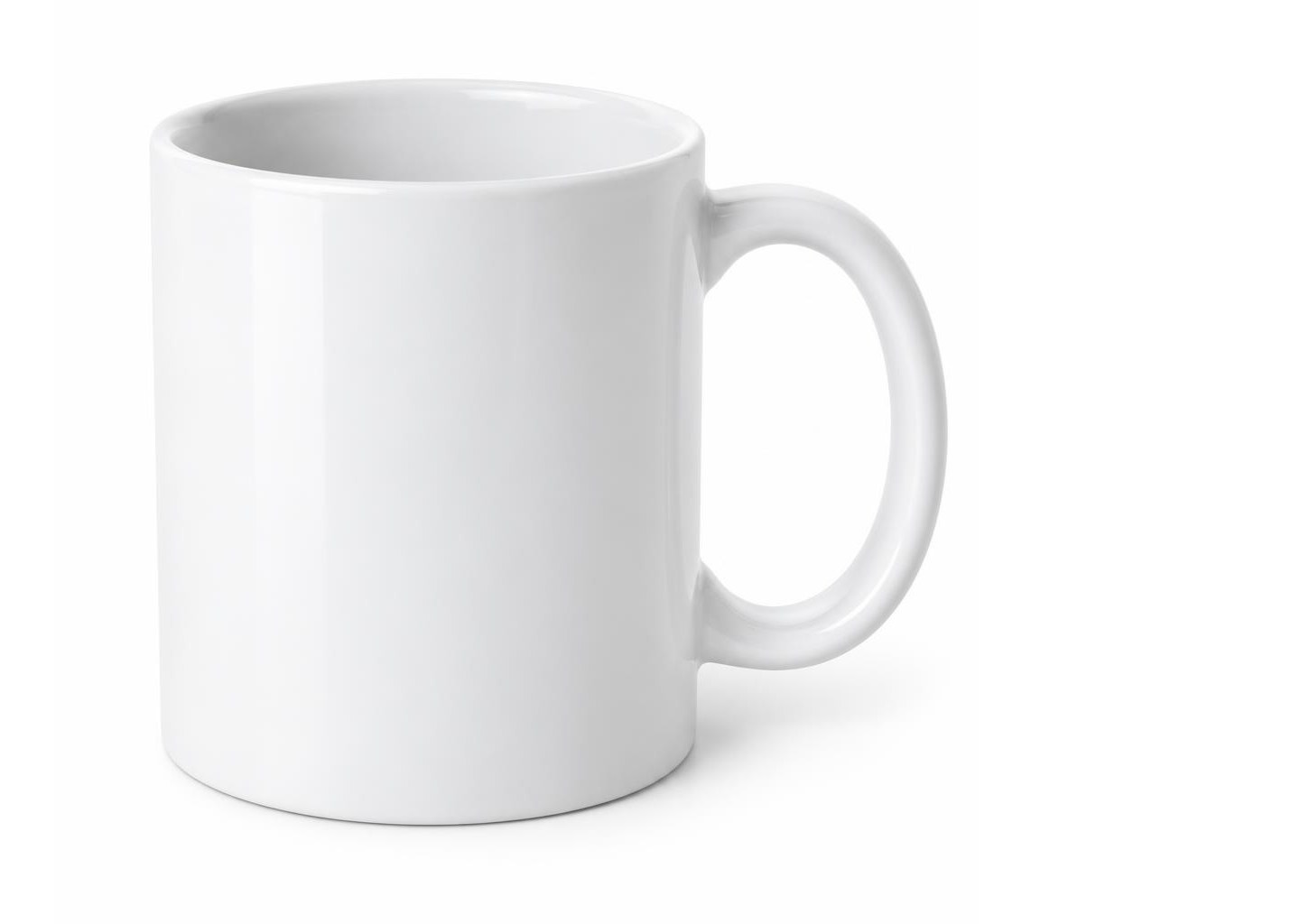
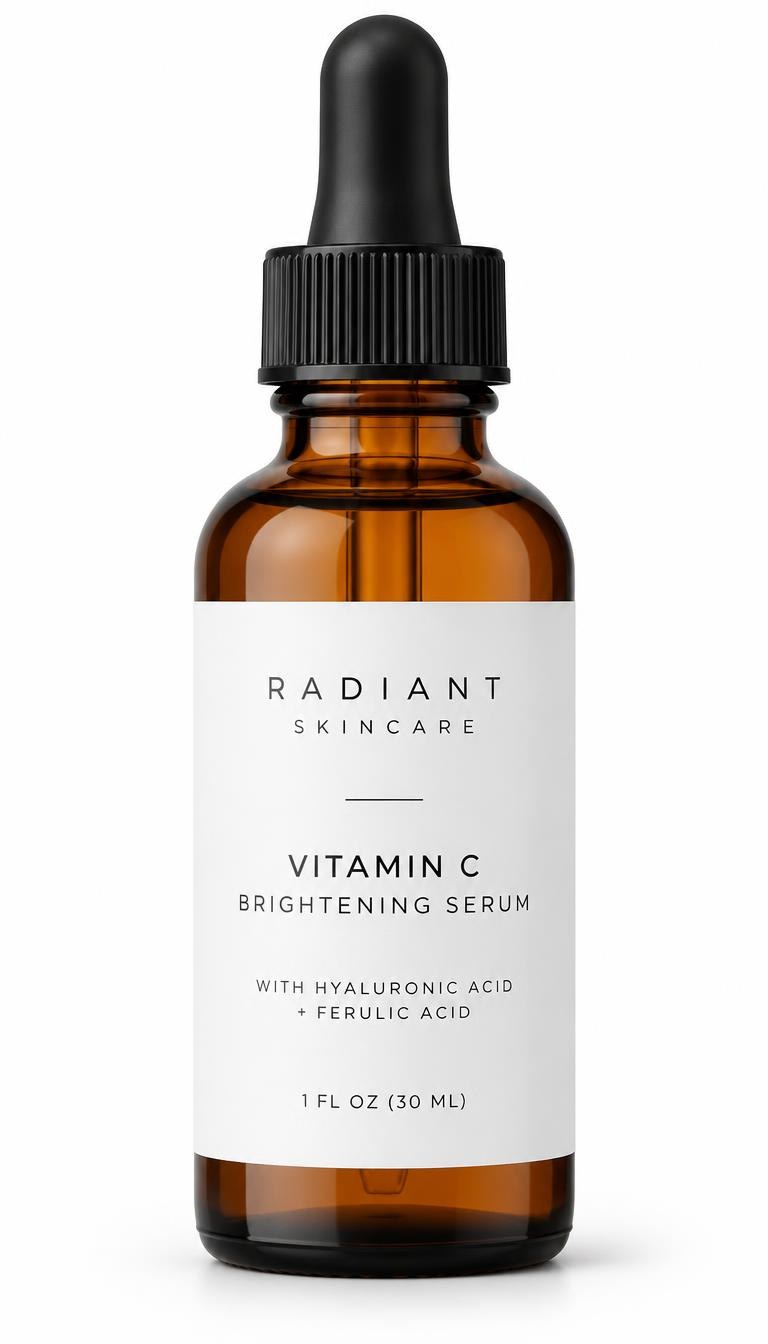
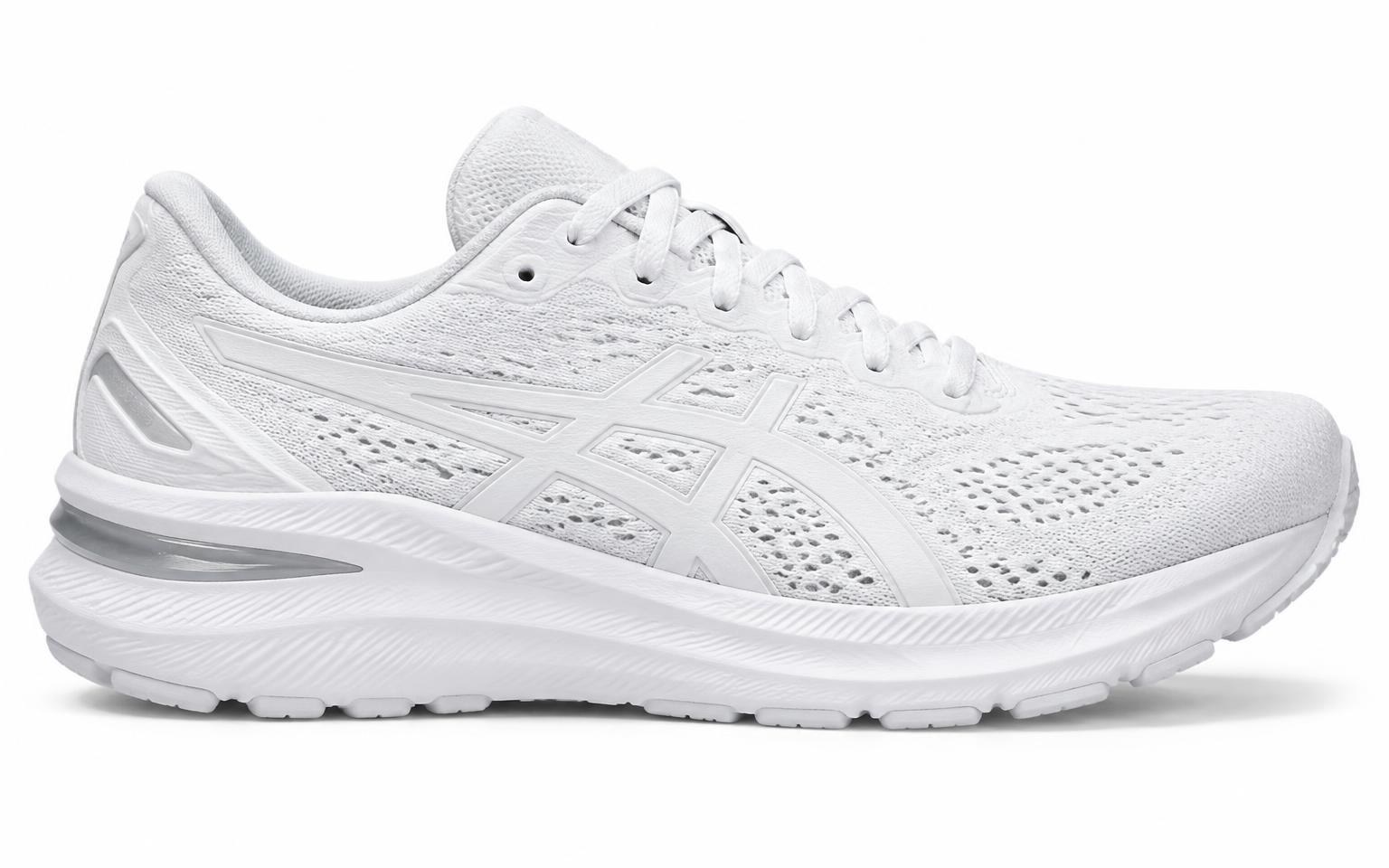
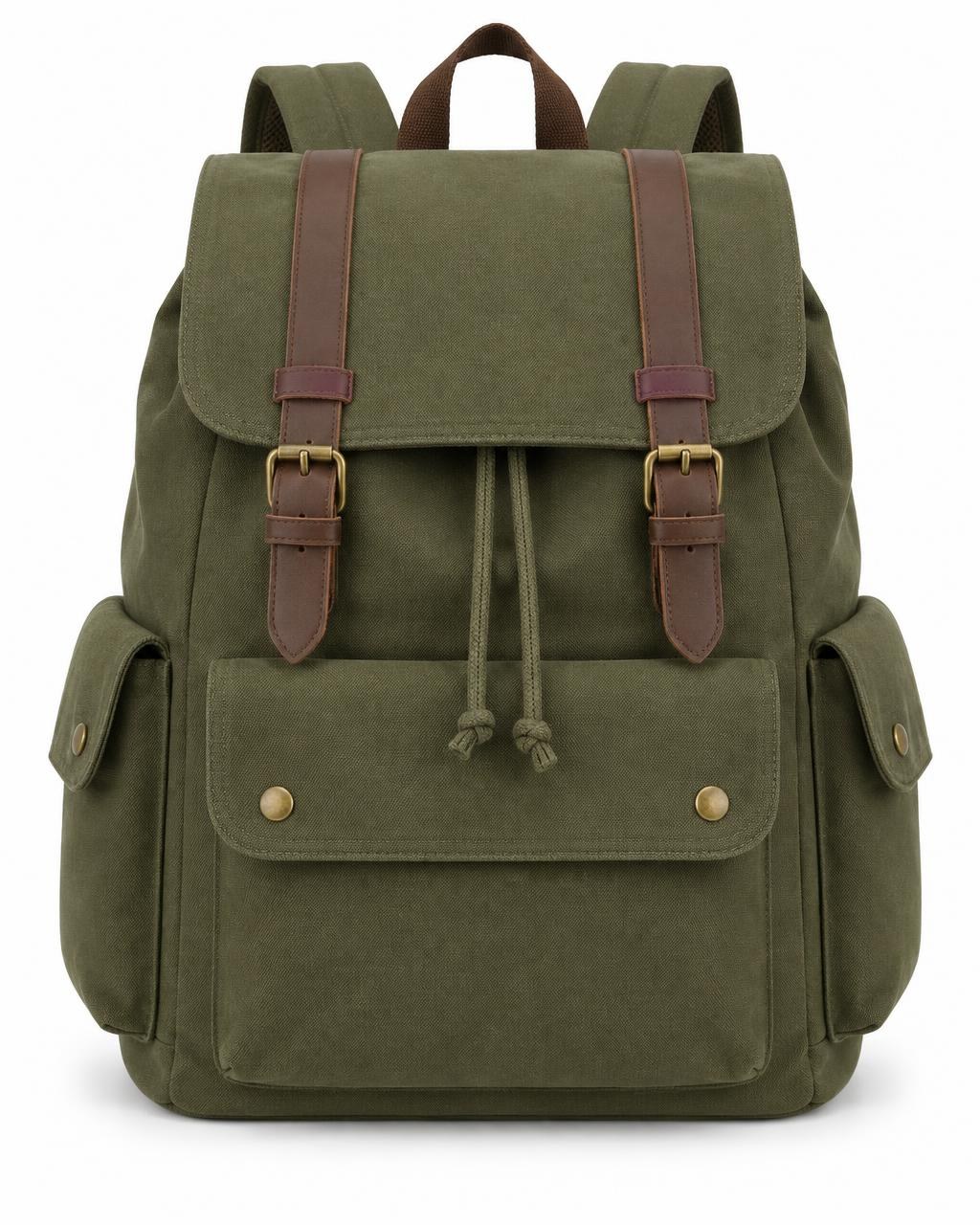
Supplier photos with mixed shapes, sizes and empty space.
Shopify starting points
A practical starting point for Shopify product images.
Shopify stores can use different image dimensions and aspect ratios. For a consistent square product catalog, these settings are a practical place to start.
2048 × 2048 px
Square product images
A practical starting size for high-quality square product photos in a Shopify store.
1:1
Consistent aspect ratio
Using the same aspect ratio across product images helps create a cleaner, more consistent product grid.
JPEG, PNG or WebP
Choose the right format
JPEG works well for most product photography, while PNG can be useful when transparency is needed. Image Fixer also supports WebP output.
These are practical starting points, not mandatory Shopify requirements. Image needs can vary by theme, layout and use case. For other marketplaces and general resizing, visit the Image Fixer homepage.
How it works
Prepare Shopify product images in three steps.
- 01
Upload your product photos
Add up to 30 JPG, PNG or WebP product images from different sources.
- 02
Adjust your Shopify images
Start with the Shopify preset, then adjust the background and product sizing where needed.
- 03
Download your images
Download one image individually or export the full batch together as a ZIP.
Built for one job
Make your Shopify catalog look consistent.
Image Fixer focuses on the repetitive work of preparing product images, without turning the process into a full photo-editing workflow.
Batch up to 30 images
Prepare a group of product photos together instead of resizing them one by one.
Control product sizing
Adjust product framing across the batch, or fine-tune Product Size for an individual image when one product needs different spacing.
Keep the whole product visible
Create square product images without stretching the original photo or forcing a destructive square crop.

Your product photos stay on your device.
Image processing happens directly in your browser. Your product photos are not uploaded to an Image Fixer server for processing.
Questions
Shopify image resizing questions
What size should Shopify product images be?
Shopify supports a range of product image dimensions. For square product photography, 2048 × 2048 px is a practical starting point that provides good image quality while keeping a consistent 1:1 format.
Should Shopify product images be square?
They do not have to be square, but using a consistent aspect ratio across product images can create a cleaner and more uniform product grid. Image Fixer uses a square canvas to make mixed product photos easier to standardize.
Can I resize multiple Shopify product images at once?
Yes. Image Fixer can process up to 30 product images in one batch. Multiple finished images can be downloaded together as a ZIP file.
Will Image Fixer crop my Shopify product photos?
No. Image Fixer places the original product photo onto a square output canvas instead of forcing the image into a square crop or stretching it.
Can I adjust the product size for each image?
Yes. Product Size can be applied across the batch and adjusted individually when a particular product needs different framing or spacing.
Should I use JPEG, PNG or WebP for Shopify product images?
JPEG is a practical choice for most product photography. PNG is useful when transparency is important, and WebP can provide efficient image files for web use. The best choice depends on the image and how it will be used in your store.